
Build proposal workflows into the systems your team already uses
Create personalised Qwilr proposals and quotes from your CRM, product or internal systems.
Use the API to create pages from templates or saved blocks, populate them with your own data, update page state and respond to buyer events.
4.6 out of 5 from 937 G2 reviews
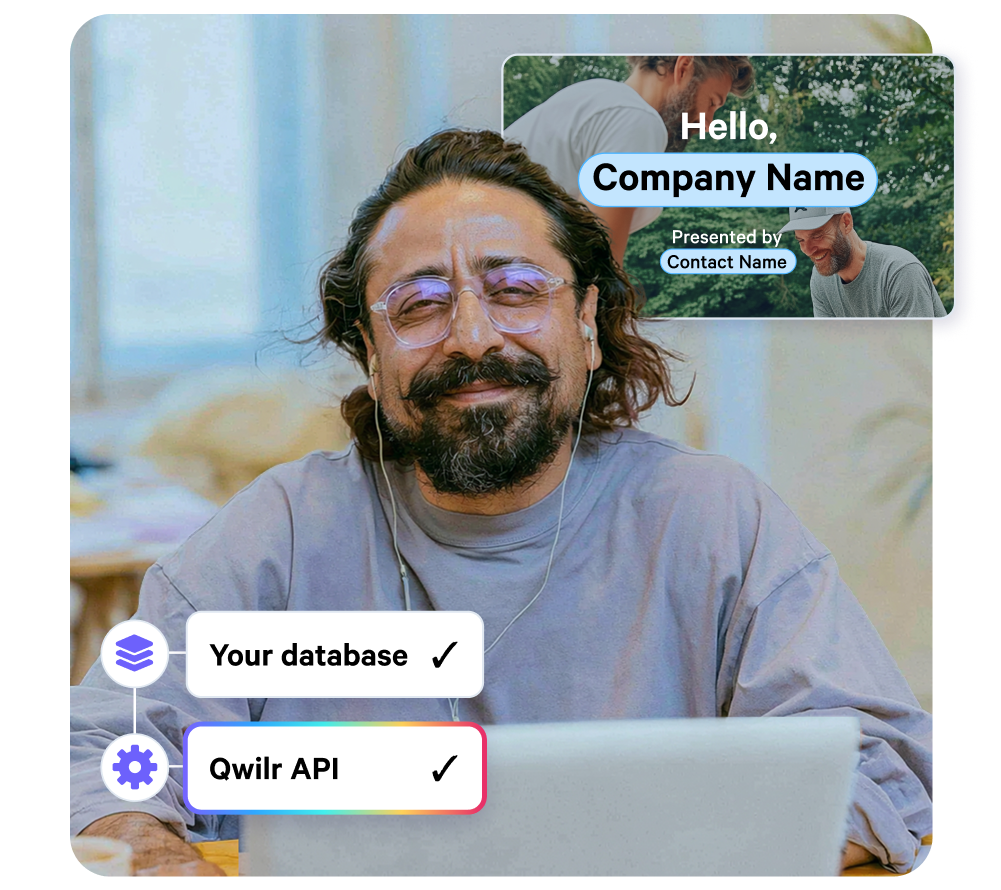
What the API covers
Create proposals from your CRM
Create a Qwilr page when an opportunity reaches a certain stage and fill it with company, contact, pricing and deal data.
Create quotes from your product or internal system
Use pricing, configuration or customer data from your own system to generate a Qwilr quote.
Create renewals and expansion proposals
Use existing customer data to generate account-specific proposals without rebuilding each one manually.
Respond to buyer activity
Use webhooks when a proposal is first viewed, viewed again, accepted or changes state.
You can then update another system, notify your team, start onboarding or pass the deal into billing.
Working with the API
Create a page with POST /pages
Create a Qwilr page from an existing template and replace account variables with values from your own system.
A request can include:
- a template ID
- a page name
- publish state
- substitutions
- tags
- metadata
If the sections of the proposal vary by deal, you can create the page from saved blocks instead of using a single template.
See the quick start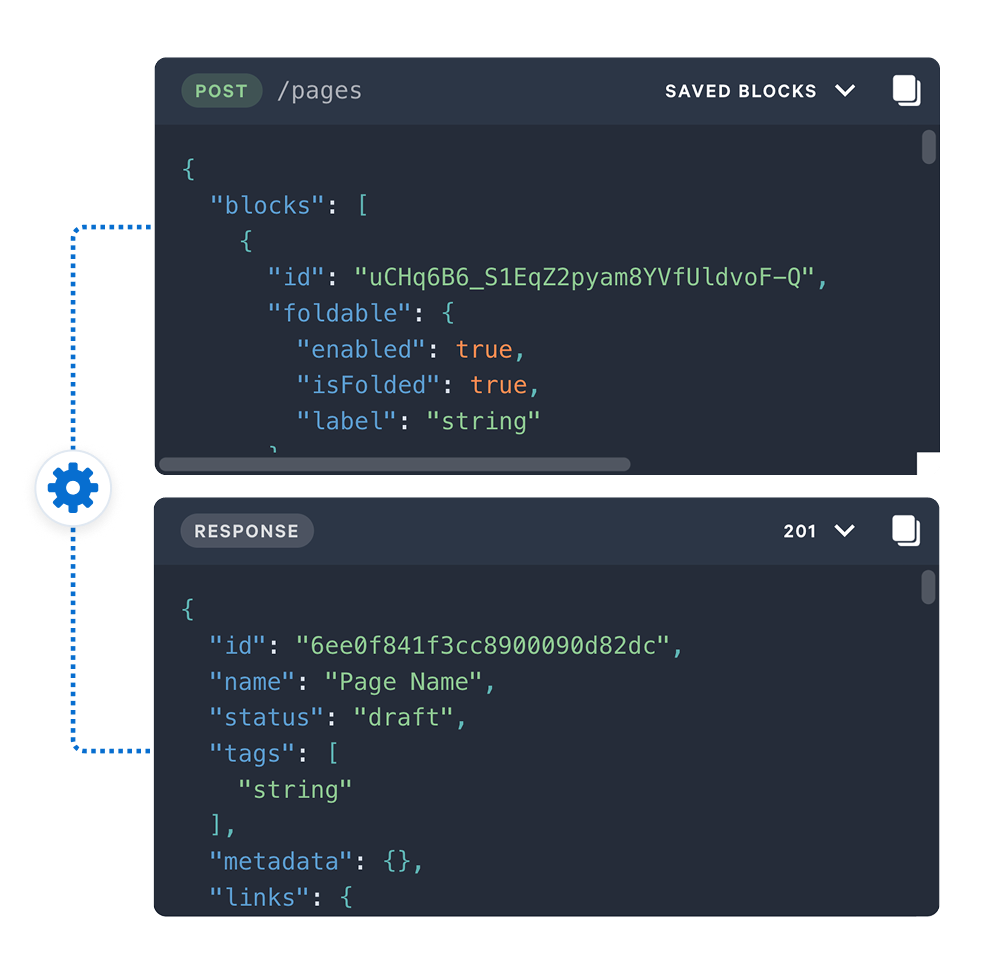
Populate pages with CRM, product or database data
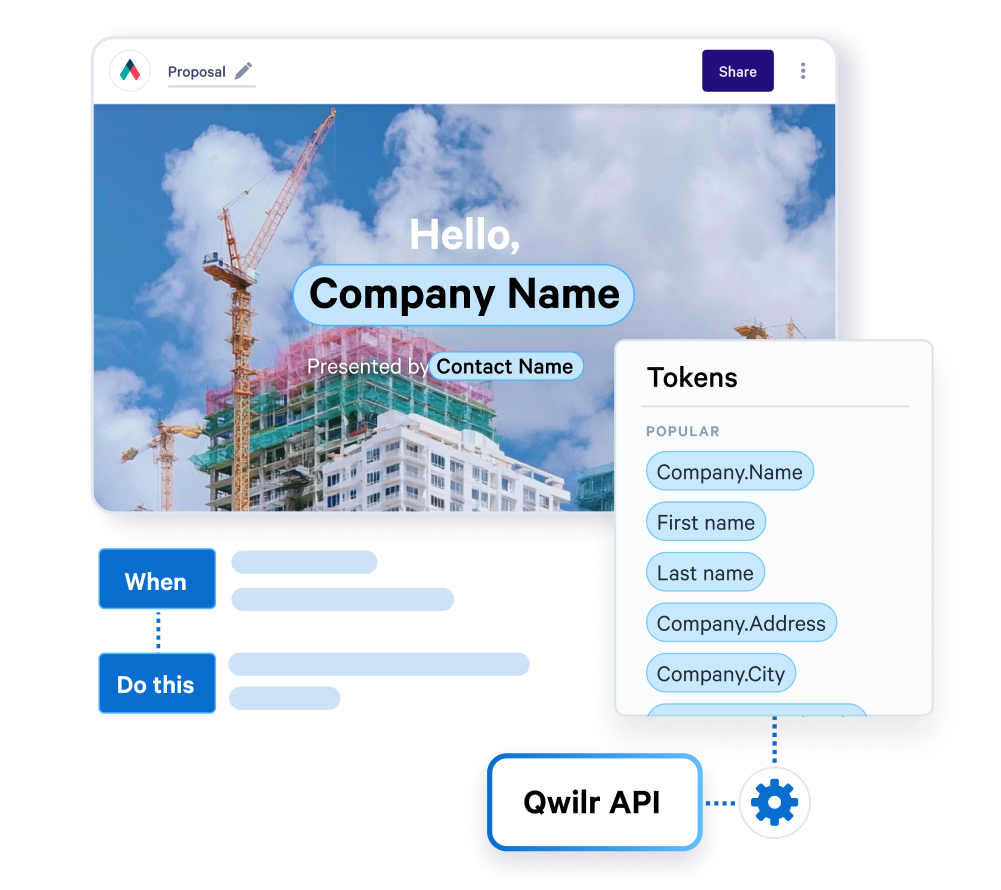
Pass values from your CRM, application or internal database into Qwilr account variables.
For content that changes in length, repeating items let you pass an array and render one row per item.
That can be used for things like:
- quote line items
- contacts
- services
- products
- pricing options
You do not need a separate template for every combination.
Receive buyer and page events
Register an endpoint with POST /webhooks and Qwilr will send an event when the selected action occurs.
Available events:
*pageFirstViewed
- pageViewed
- pageAccepted
- pagePartiallyAccepted
- pagePreviewAccepted
- pageSetLive
- pageRevivedLive
For example, when pageAccepted fires you could create an onboarding task, provision an account or pass the accepted deal into billing.
View webhook documentation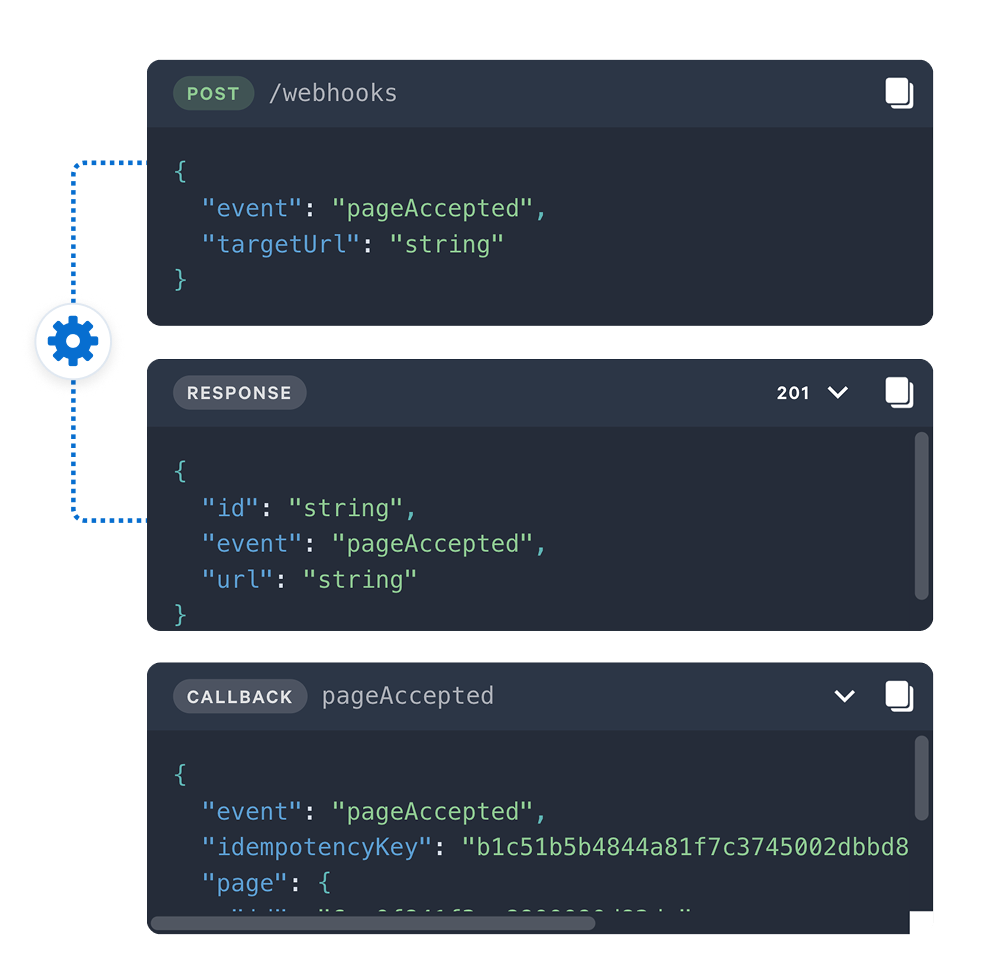
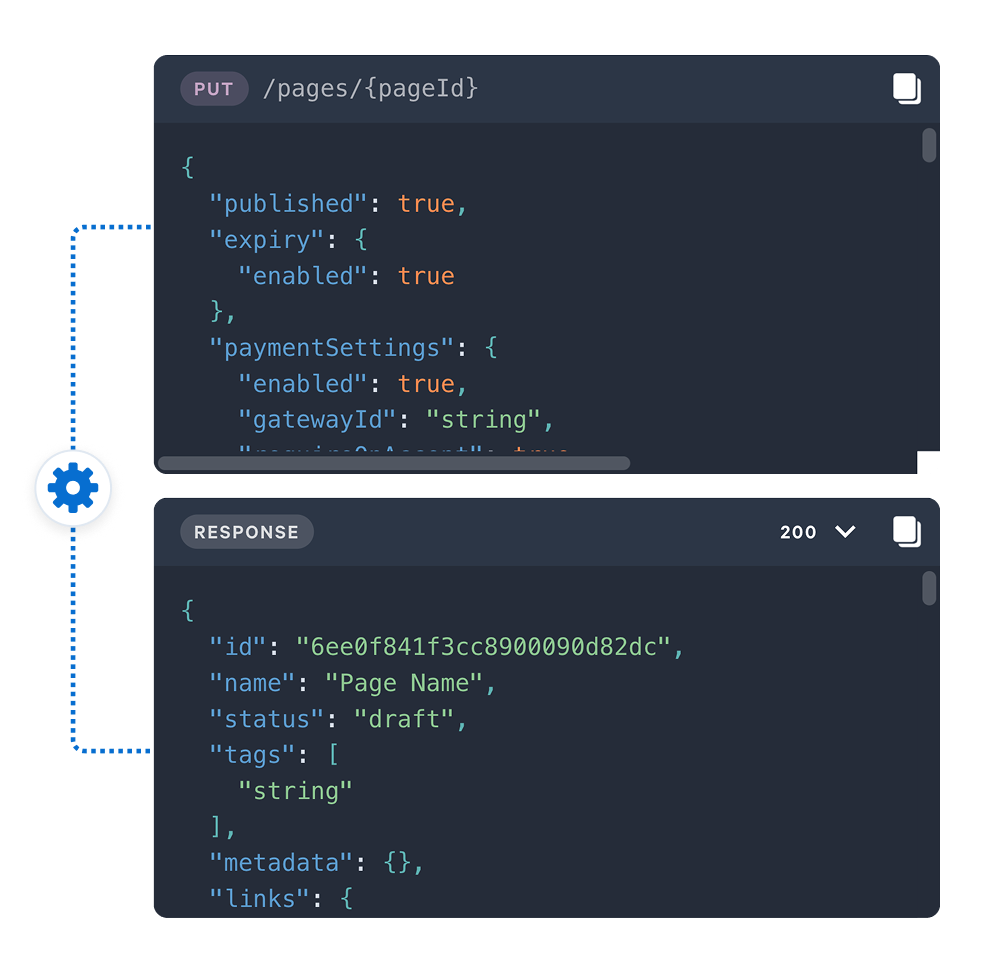
Update a page with PUT /pages/{pageId}
Use the update endpoint to:
- publish a page
- unpublish a page
- change the assigned owner
You can also retrieve individual pages or list pages across the account.
Manage tax rates and payment gateways
The API includes endpoints for:
- listing tax rates
- creating tax rates
- updating tax rates
- deleting tax rates
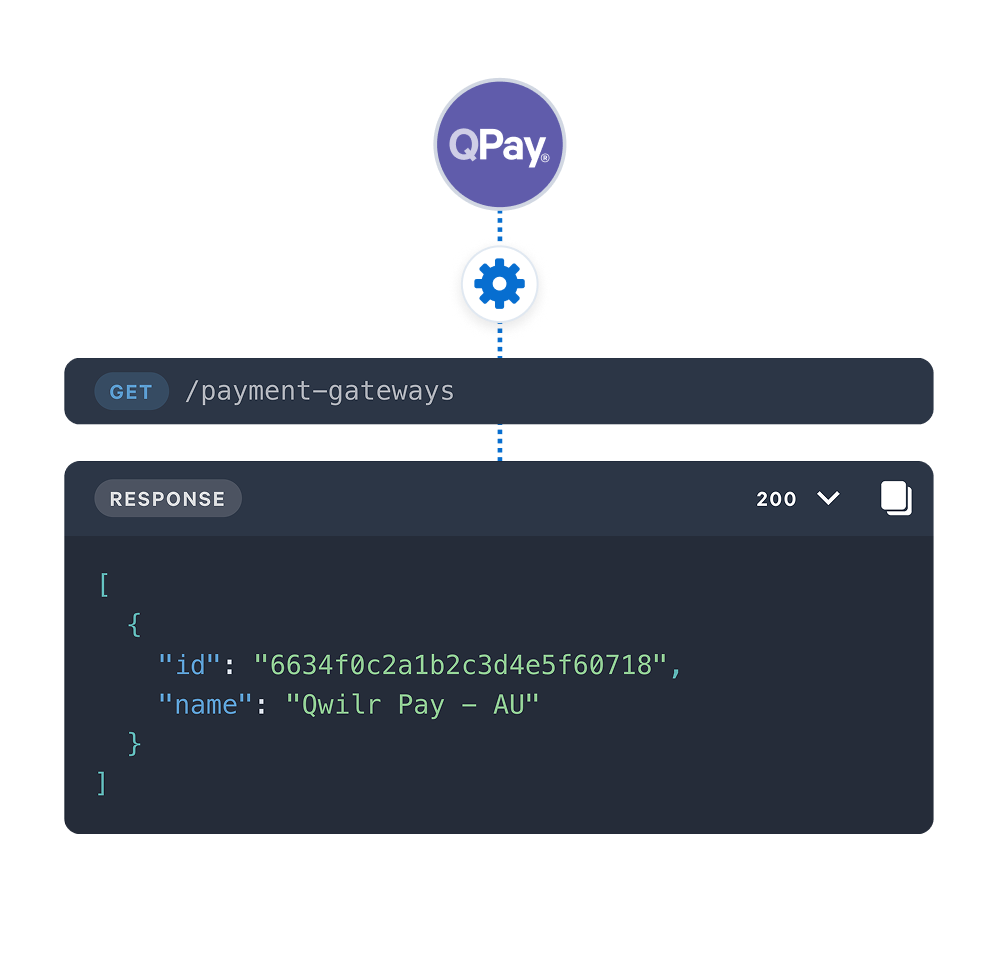
- listing connected payment gateways
This lets quotes created through the API use the tax and payment settings configured in your Qwilr account.
API endpoints
The Qwilr API is available over REST at: https://api.qwilr.com/v1
Authentication uses a bearer token generated in Qwilr under API settings.
The token is shown once when you create it, so store it securely.
Questions developers ask
A proposal API lets your own systems create and manage the proposal document, rather than a rep building it by hand in an editor. You send the deal data, the API returns a live page the buyer can open, and events come back when they read or accept it.
In Qwilr's case that is fourteen REST operations covering pages, saved blocks, quoting data and webhook subscriptions. Teams typically wire it to a CRM such as Salesforce or HubSpot, or to an internal product database that a CRM does not hold.
A bearer token, sent as an Authorization header on every request. Generate it at app.qwilr.com under API settings.
The token is displayed once at the point you create it and cannot be retrieved afterwards, so store it when you generate it.