
- Zoho CRM
Create proposals from Zoho CRM
Create personalized proposals, pitch decks and onboarding docs from any Zoho CRM record in one click.
Speed up your sales cycle
Personalize sales material, collect e-signatures, send quotes and track engagement in a few easy steps
Create personalized sales material in one-click from Zoho
Shorten the time it takes to create sales material. Qwilr’s ready-made templates let sales reps generate pages instantly from Zoho CRM. Reps can drag and drop content for quick customization from a library of content blocks that catch your buyer’s attention.

Personalize pages with accuracy using Zoho data
Personalize every page automatically with Zoho data. Qwilr pulls in fields from Leads, Contacts, Accounts, Deals and Quotes, including your custom fields.

Collect e-signatures and payment
Add legally binding electronic signature fields to proposals for faster approval. Let buyers accept and pay on the spot with the options embedded in the document.

Send a link and track activity within the deal record
Share a link with your buyers, track when they view or accept your document within Zoho itself. Or, track how they’re engaging with every page using Qwilr’s analytics.

Automate your closed/won admin
Use Qwilr with Zoho to automate your busywork - like updating deal stages, and sending onboarding emails and invoices after a deal is won.
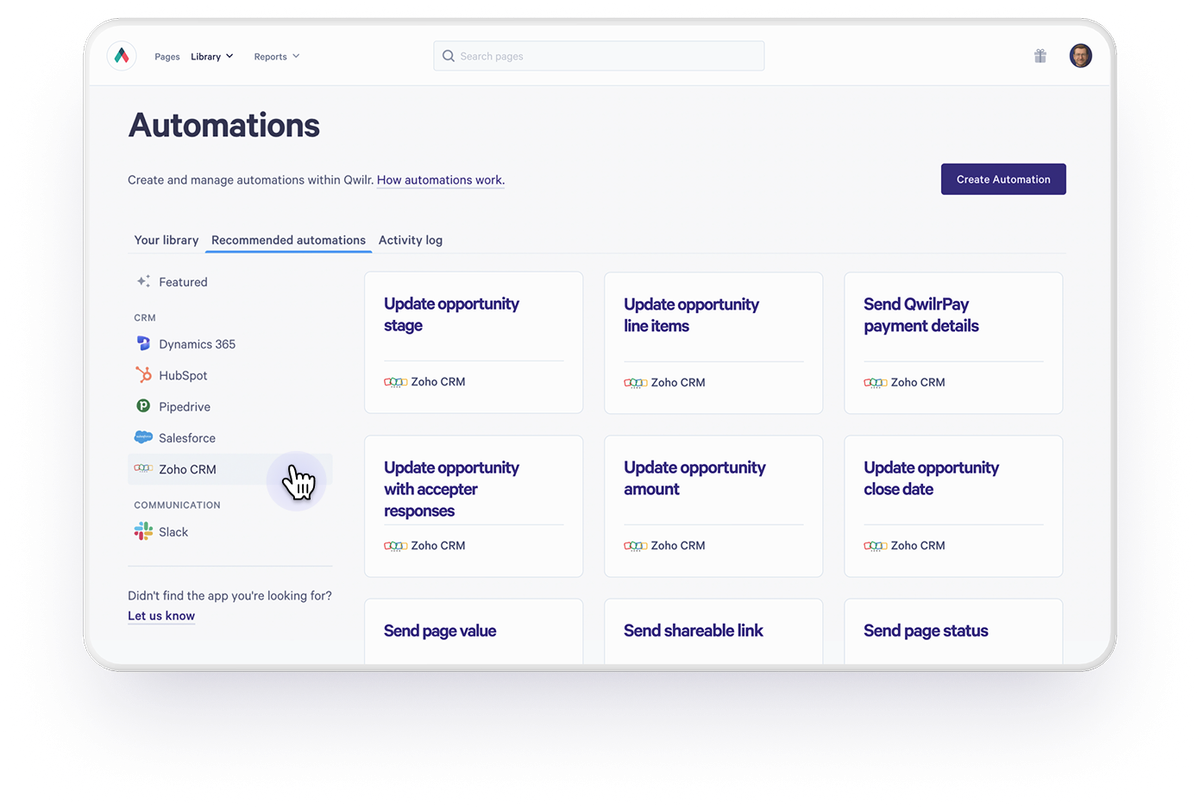
Enhance your Zoho CRM integration
Connect additional tools to increase your sales velocity.


Get started with Zoho CRM
Visit our help documentation to connect your Zoho CRM account to Qwilr and start automating personalized sales material.
Visit how-to guide
Frequently asked questions
A Zoho Super Admin installs the Qwilr extension from the Zoho Marketplace, which adds a Create Qwilr Page button to your records. Users need Zoho CRM API access. On a free Zoho account, you connect from Qwilr and create pages there instead. See the setup guide.
Leads, Contacts, Accounts, Deals and Quotes, including custom fields.
Yes. Each record’s sidebar lists its Qwilr pages with links, the PDF, view counts and acceptance status. See the setup guide.
Yes. Qwilr proposals are live web pages, so buyers can review, add a legally binding e-signature and pay in one visit.