
- Stripe
Accept Stripe payments inside your Qwilr proposals
Buyers review pricing, sign and pay in one place, without leaving the page.

Stripe payments for proposals
Has a client ever signed your proposal, then gone quiet when it’s time to pay?
QwilrPay, Qwilr’s built-in payments, runs on Stripe. Clients pay in the same page where they review and sign, so the deal and the payment happen in one visit.
Pricing buyers can adjust
Buyers pick what they need, like three users instead of five or annual billing over monthly, so the final price matches the real scope.
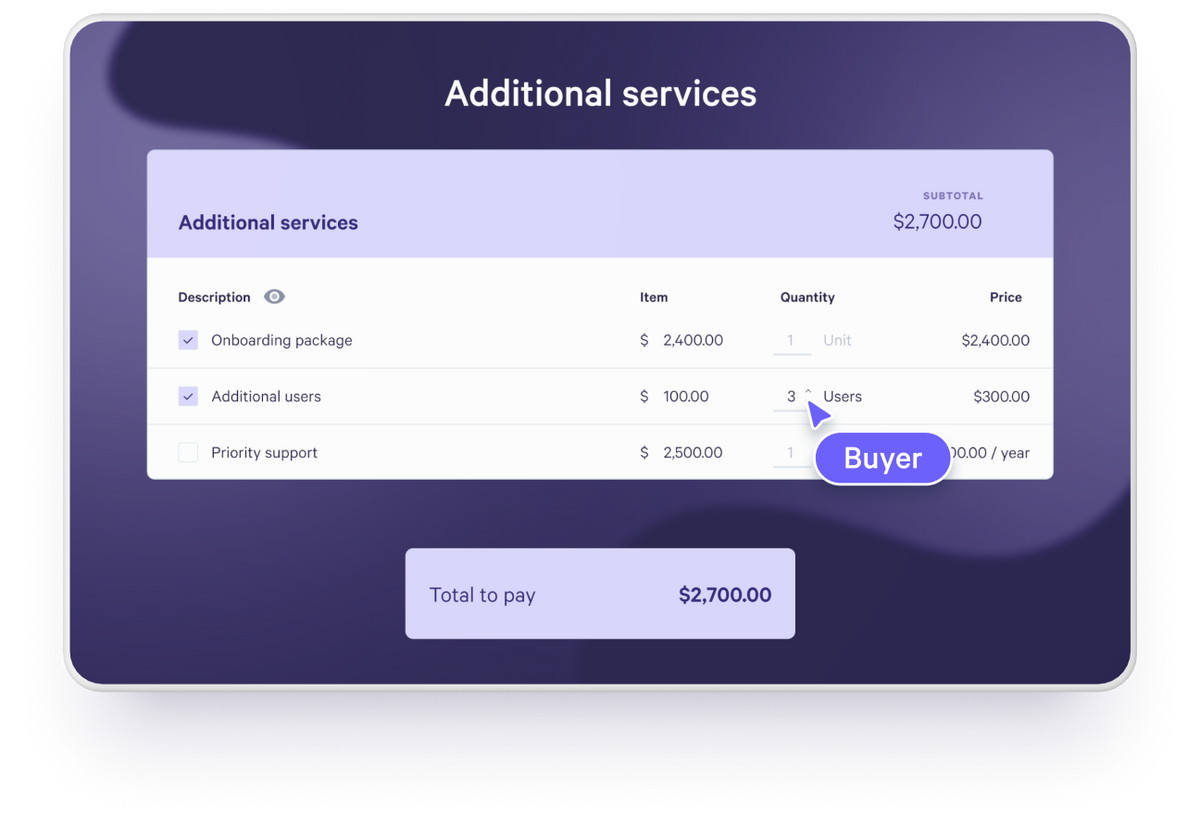
Sign and pay in one step
E-signature and payment sit in the same page, so there’s no second step to chase after the proposal is accepted. Payments land in your connected Stripe account in the currency you’ve set.
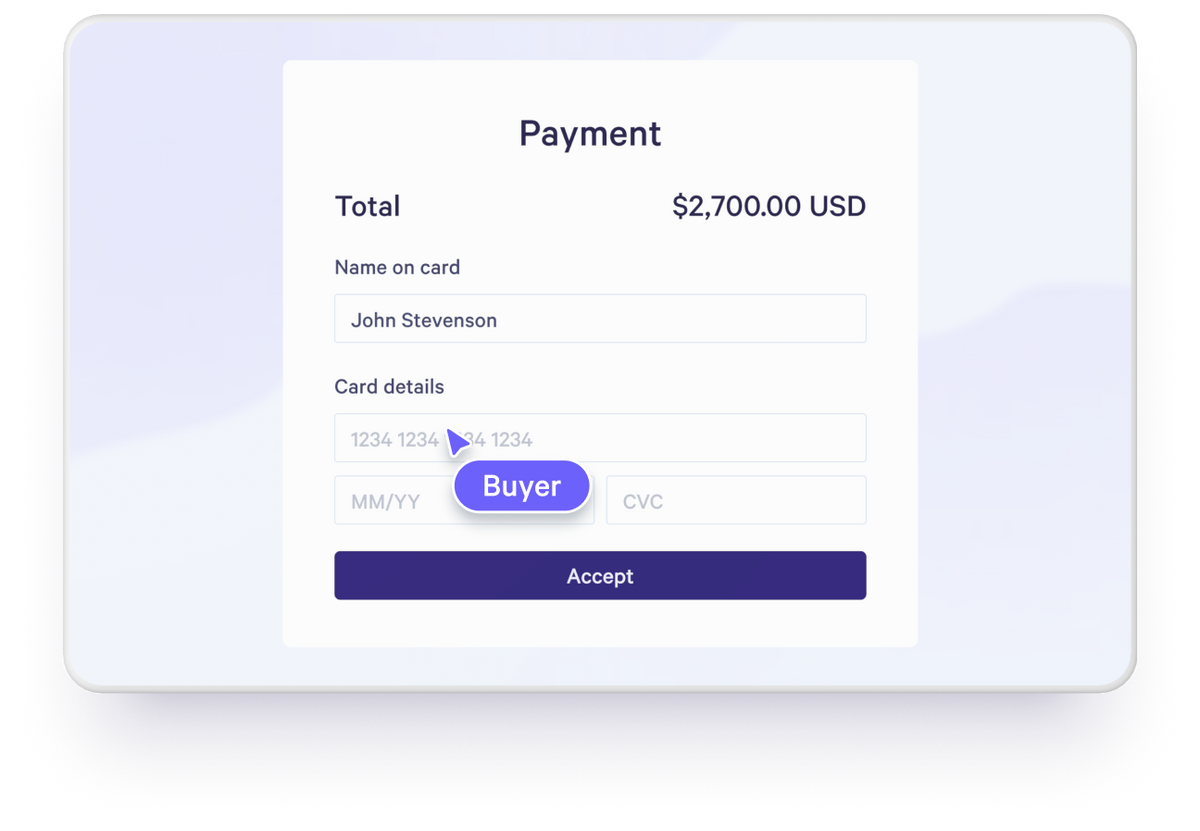
How it works
1. Connect Stripe
Go to Payments in Qwilr and connect a Stripe account. We recommend one used only for Qwilr, and you can create it during setup.
2. Set up your pricing
Add fixed items, optional extras, or quantities clients can adjust themselves.
3. Send a live page, not a PDF
Clients review pricing, make any changes you’ve allowed, then sign and pay in one visit.
4. Get paid into Stripe
Payments land in your connected Stripe account. Track every one under Library > Payments.
More ways to get paid
Deposits or full payment
Take a deposit up front as a flat amount or a percentage of the total, or collect the full amount when the client signs.
One-off and recurring charges
Clients enter their payment details once to cover setup fees and subscriptions together.
The payment methods your buyers use
Cards (Visa, Mastercard, Amex), Apple Pay, Google Pay, and bank debits like ACH, BECS and SEPA, depending on your buyer’s location and currency.
How Redbook Software cut 30–45 day payment delays to zero
Redbook sells to agriculture customers who are rarely at a desk. Payment used to arrive 30 to 45 days after a customer went live. Now clients add their payment details before they sign in Qwilr, and the charge runs automatically when they go live.
“We’re not chasing payments… it saves us clicks and effort and communication and allows the customer to own more of the flow.”
Jack Ruppert, Co-founder and CEO, Redbook Software
Read the Redbook Software story
Secure by design
Every payment is processed by Stripe. Card details go straight to Stripe and never touch Qwilr’s servers.

Fraud prevention
Stripe checks each transaction for fraud, so you get paid what you’re owed.

PCI DSS Level 1
Stripe is a PCI DSS Level 1 service provider, the highest standard for card security.

Automatic retries
For recurring payments, Stripe can retry failed payments and notify customers, so a failed card doesn’t cost you the payment.
Get started with Stripe
Visit our help documentation to connect your Stripe account to Qwilr and start streamlining your payments.
Visit how-to guide
Frequently asked questions
An admin connects your Stripe account under Payments in Qwilr, then you add a quote block to your proposal. Send it as a live page so the buyer can pay directly within it, without any redirects.
Yes. Signature and payment both happen inside the same live proposal, all in one visit.
QwilrPay runs on Stripe, which is currently the only supported payment gateway.
Stripe charges a standard processing fee, which varies by payment method, plus there is a QwilrPay platform fee. That fee is 0% on Growth and Scale plans, 0.09% per transaction on Starter and legacy Business, and 0.05% on legacy Enterprise. If you use recurring payments, Stripe Billing charges an additional fee of up to 0.7% of billing volume, depending on your Stripe setup.
Yes. Stripe is certified to PCI Service Provider Level 1, the most stringent level of certification in the payments industry, and card data is encrypted in transit.