
- Zapier
Automate your proposal workflow with Zapier
Eliminate manual tasks and automate your sales process with Qwilr and Zapier.
Streamline your sales process end-to-end
Automate your workflow and spend more time on higher value sales activities
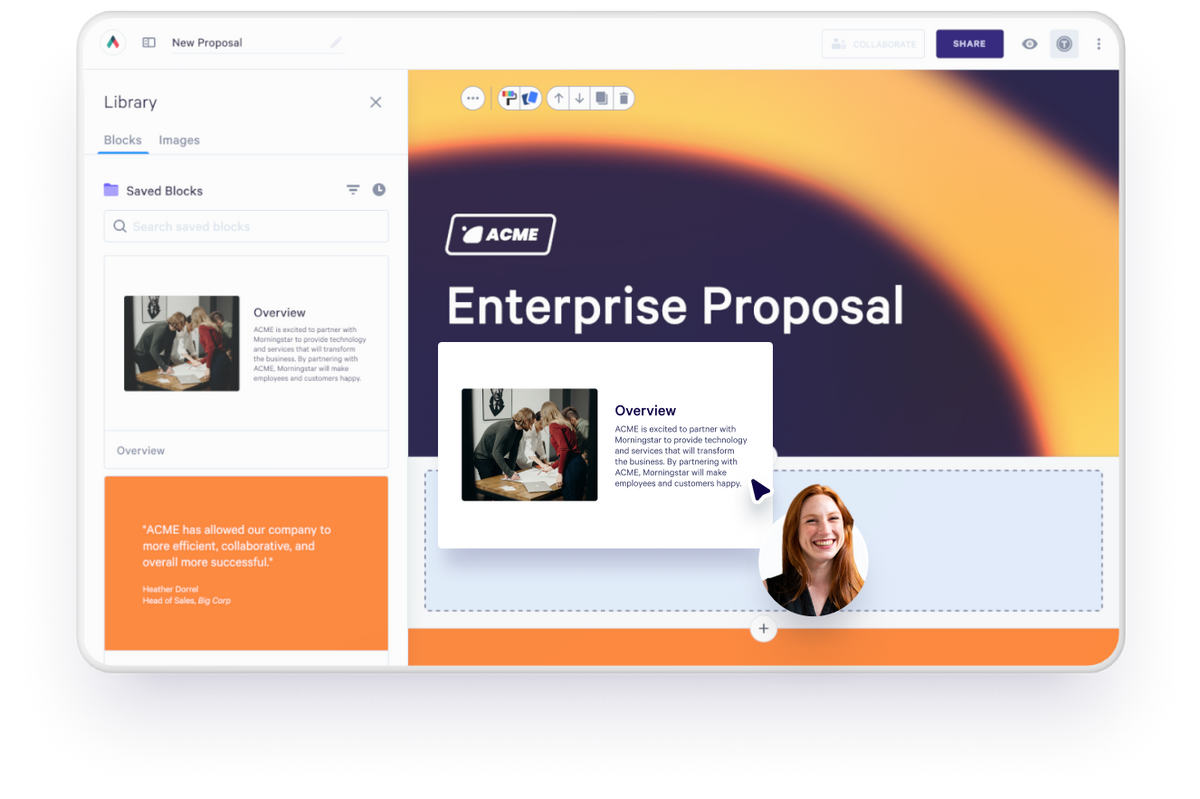
Create personalized proposals from your other apps
Create a Qwilr page from a template whenever something happens in another app, like a new form submission, with fields mapped straight into the page.
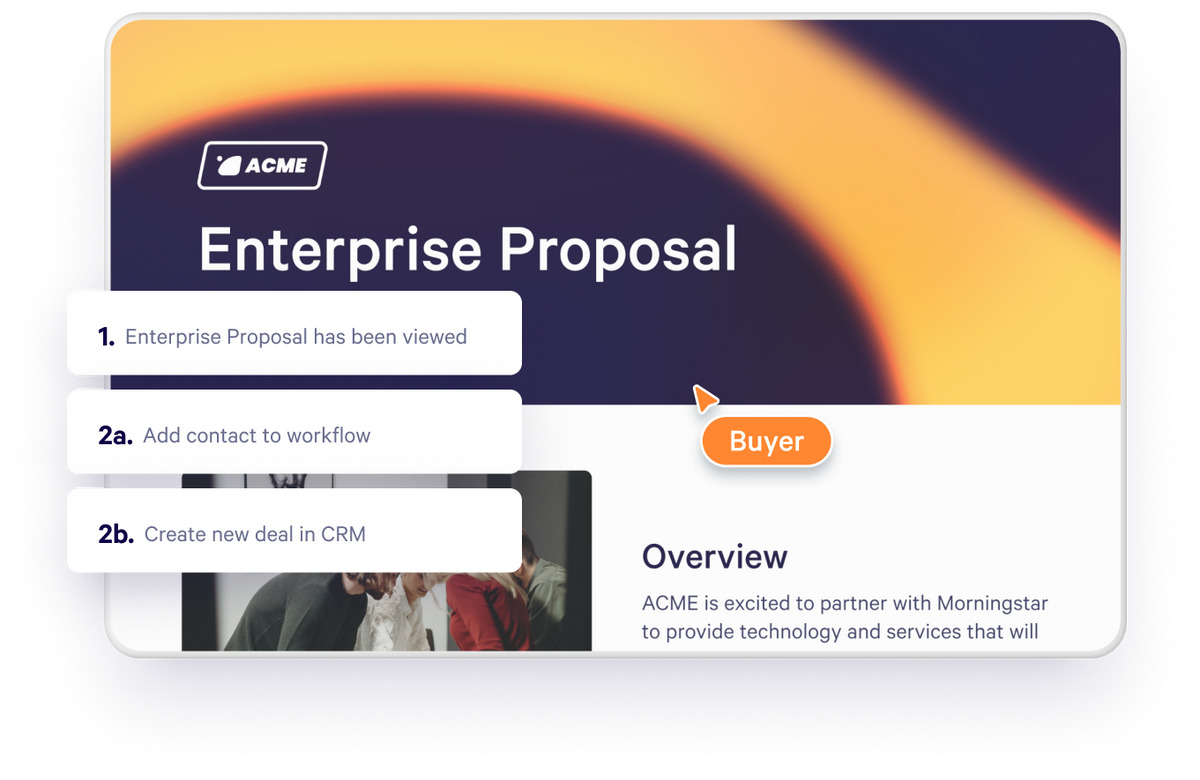
Trigger a Zap when a prospect performs an important event
Start a Zap when a page is created, published, first viewed or accepted. Add filters, delays and paths to build the workflow you need.
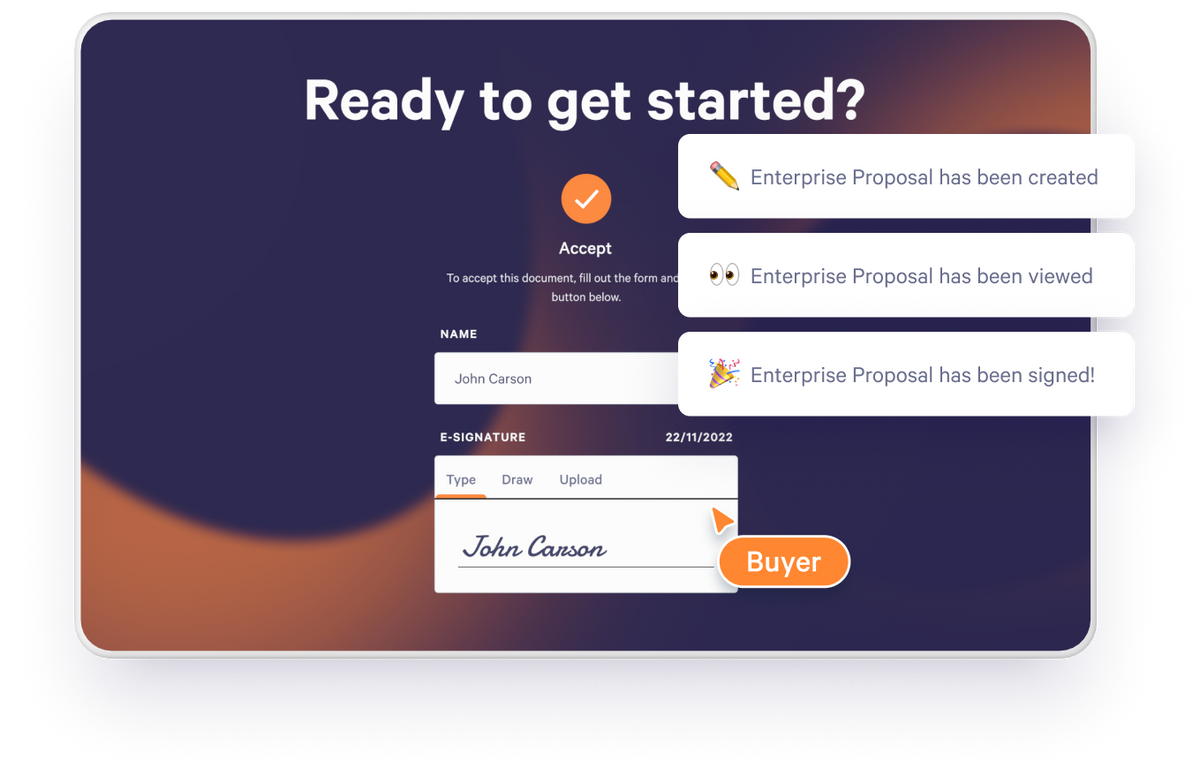
Stay on top of a deal’s progress with instant notifications
Get instant notifications when pages are viewed or accepted by connecting Zapier with your messenger app of choice.
Do more with Zapier
Project management
Automatically create new projects and clients when a proposal is accepted.
Time tracking
Add a new client to your time tracking tool when a proposal is accepted.
CRM
Add or update records in your CRM when a proposal is accepted.
Email marketing
Add people to your email lists when they accept your proposal.
Accounting
Create new customer records in your accounting tool upon proposal acceptance.
Additional features
Send customer and proposal data to spreadsheets, file storage and the rest of your stack.
Get started with Zapier
Visit our help documentation to connect your Zapier account to Qwilr and start automating personalized sales material.
Visit how-to guide
Frequently asked questions
Zapier can create a Qwilr page from a template, and start Zaps when a page is created, published, first viewed or accepted. See how to build Qwilr pages with Zapier.
An admin copies the API key from Qwilr’s account settings into Zapier. See the Zapier guide.