
- Microsoft Dynamics 365
Qwilr + Microsoft Dynamics 365
Create personalized proposals with one-click from Microsoft Dynamics. Plus, offload manual work with automations.
Speed and accuracy, built into every proposal
Generate personalized proposals straight from Dynamics data, cutting manual copy-paste and helping your team close faster with fewer errors
Speed and accuracy, built into every proposal
Pull data straight from your Dynamics Opportunities, Accounts, and Contacts into ready-made templates, so reps can generate a fully personalized proposal without leaving the CRM.
Keep Dynamics up to date automatically
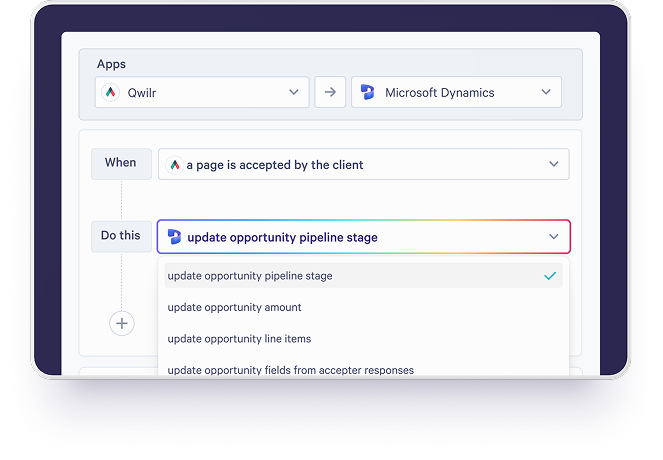
As deals move forward, Qwilr updates your Dynamics Opportunity line items automatically, so your pricing and product data always match what's in the proposal.
Secure signatures and payment via your proposals
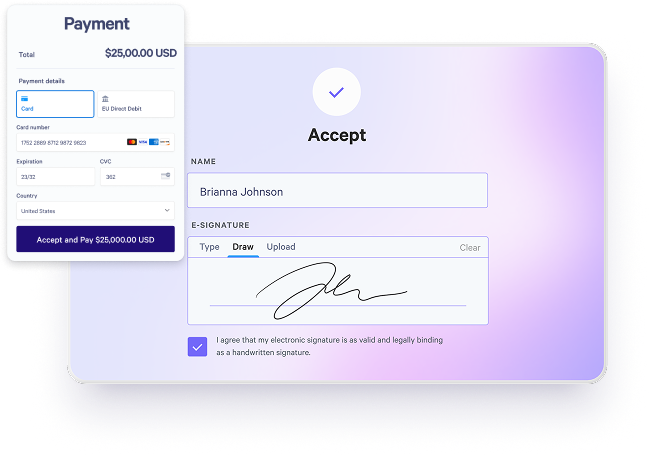
Add legally binding e-signature fields so buyers can sign on the spot, and then pay directly within the page, no extra tools required.
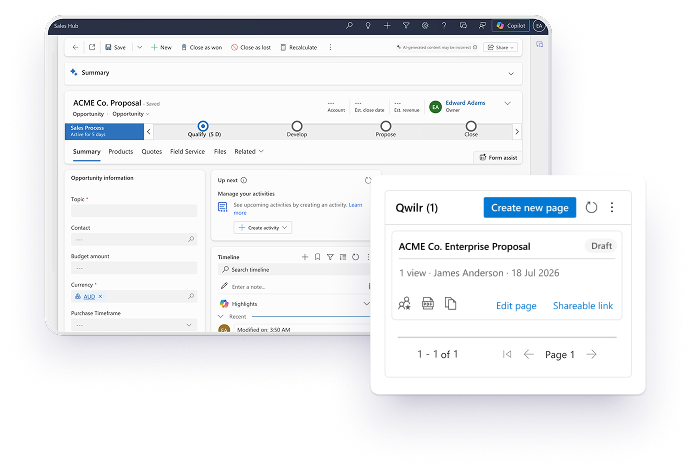
Track every proposal, right from the Opportunity record
Share a link with your buyers, and see when they view or accept your document within Dynamics. Or, track how they’re engaging with your pages using Qwilr’s analytics.

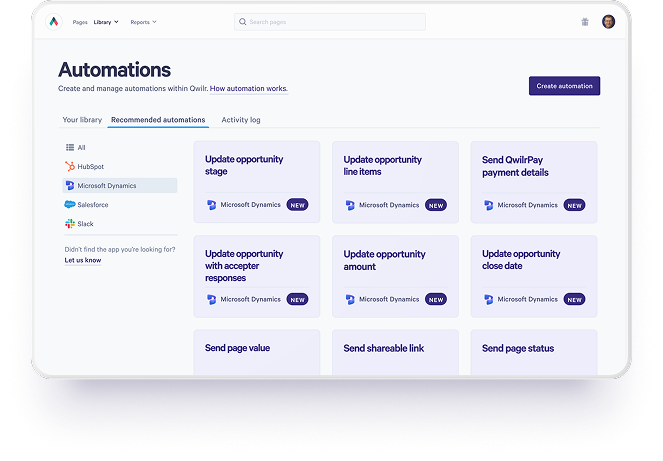
Let automations handle your admin
Set up Qwilr triggers to write page events and data straight back to Dynamics, and automate your post-close busywork, like sending onboarding emails and invoicing.
Enhance your Dynamics integration
Connect Slack to get instant notifications when a buyer views or signs your proposal, or use Zapier to sync Qwilr with hundreds of other apps.


Get started with Dynamics
Visit our help documentation to connect your Dynamics account to Qwilr and start automating personalized sales materials.
Visit how-to guide
Frequently asked questions
Qwilr customers can create proposals directly from their Microsoft Dynamics 365 CRM. Once templates are created, details from Lead, Contact, or Opportunity records can be automatically pulled in to personalize proposals at scale.
Proposals created with Qwilr using the Dynamics 365 integration are completely mobile responsive. Qwilr proposals are created as online pages, instead of a PDF. You can create thousands of proposals and sales material through Qwilr, knowing they will work on any screen resolution.
Proposals created with Qwilr using the Dynamics 365 integration are completely interactive. Add dynamic pricing, Calendly links, videos, images, animations, an interactive ROI calculator and more - all with Qwilr's proposal software.
Qwilr proposals generated through the Dynamics 365 CRM integration have the ability to capture digital e-signatures. Collect one or multiple signatures to accelerate deals and capture details from your customers. Qwilr e-signatures support legally-binding documents.