
Know your marketing reports got read
Client reports, campaign updates and launch presentations, built from the blocks your team already uses for proposals. Present them in full screen, send them as a private link, and see which sections they went back to.
4.6 out of 5 from 933 G2 reviews

Top-rated by customers on G2





What else marketing puts through Qwilr
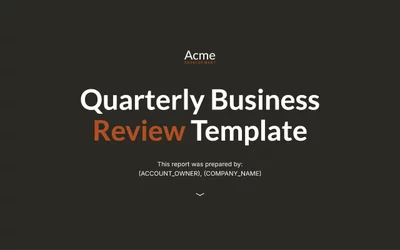
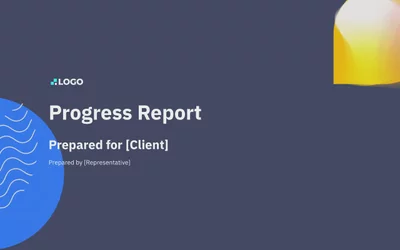
Client and campaign reports
The monthly report, without rebuilding it
Set the structure once and change the numbers each cycle, rather than starting from last month's file.
Send it as a private link and you can see which sections were read, which is more than any PDF has ever told you.
Presentations you can actually present
Presentation mode is a full-screen view of the page
Share the collaborator link, hit Present, and move block to block with the arrow keys or spacebar.
Same page, two jobs: talk to it live, then send the link so they can read it again afterwards.
One-pagers and internal updates
Quick pieces that still look like the brand
Partner one-pagers, launch summaries and all-hands recaps pull from the same content library as your proposals.
Nothing to download, nothing to version, and the brand holds whoever builds it.
Client reports, presentations and one-pagers
The same features your sales team uses, pointed at marketing's own work.
Which section the board actually read
Every page reports read time section by section. On a quarterly report that tells you whether leadership reached the pipeline numbers or stopped at the summary.
Qwilr emails you the first time it is opened, so you walk into the meeting knowing who has read it and who is seeing it for the first time. Analytics history runs 60 days on Starter, 120 on Growth and unlimited on Scale, which matters if you want to compare this quarter's report against last year's.
Explore page insights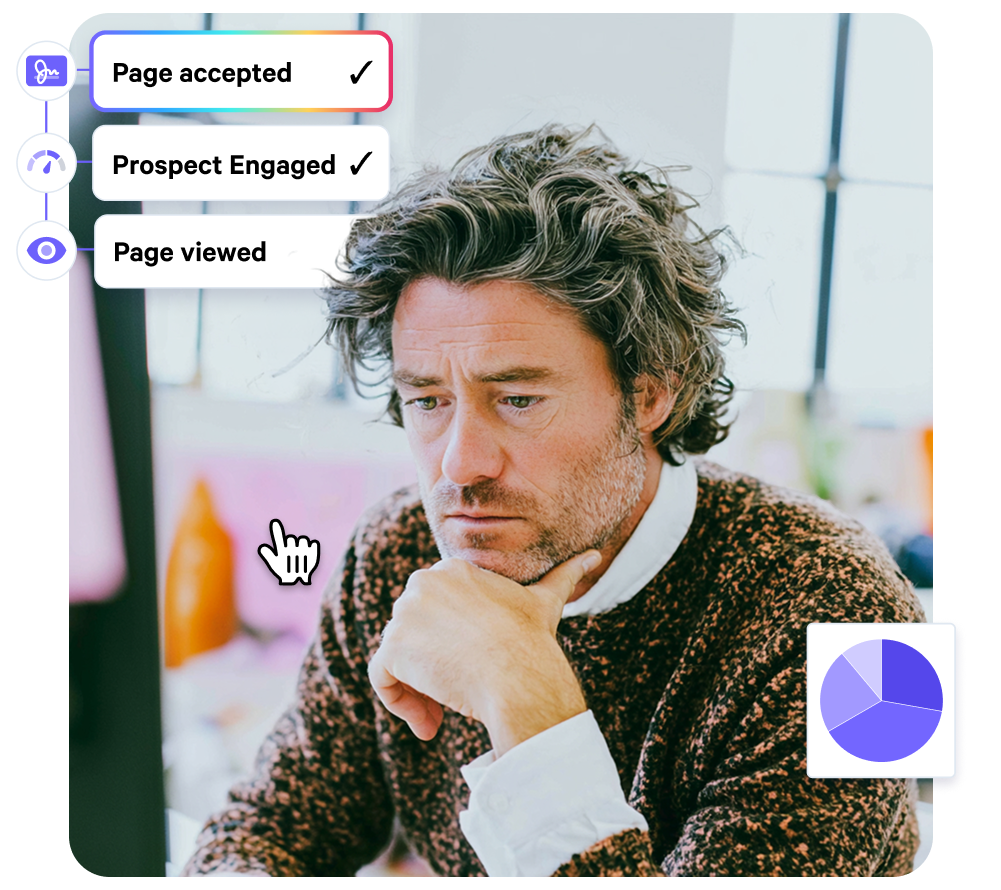
Draft it together, then present it
Anyone with edit access can comment inside the editor and tag a colleague to pull them in, so a report gets reviewed in the document rather than across four email threads. Comments stay internal and never appear on the public page.
When it is ready, presentation mode gives you a full-screen view you can talk to, moving block to block with the arrow keys.
Explore the editor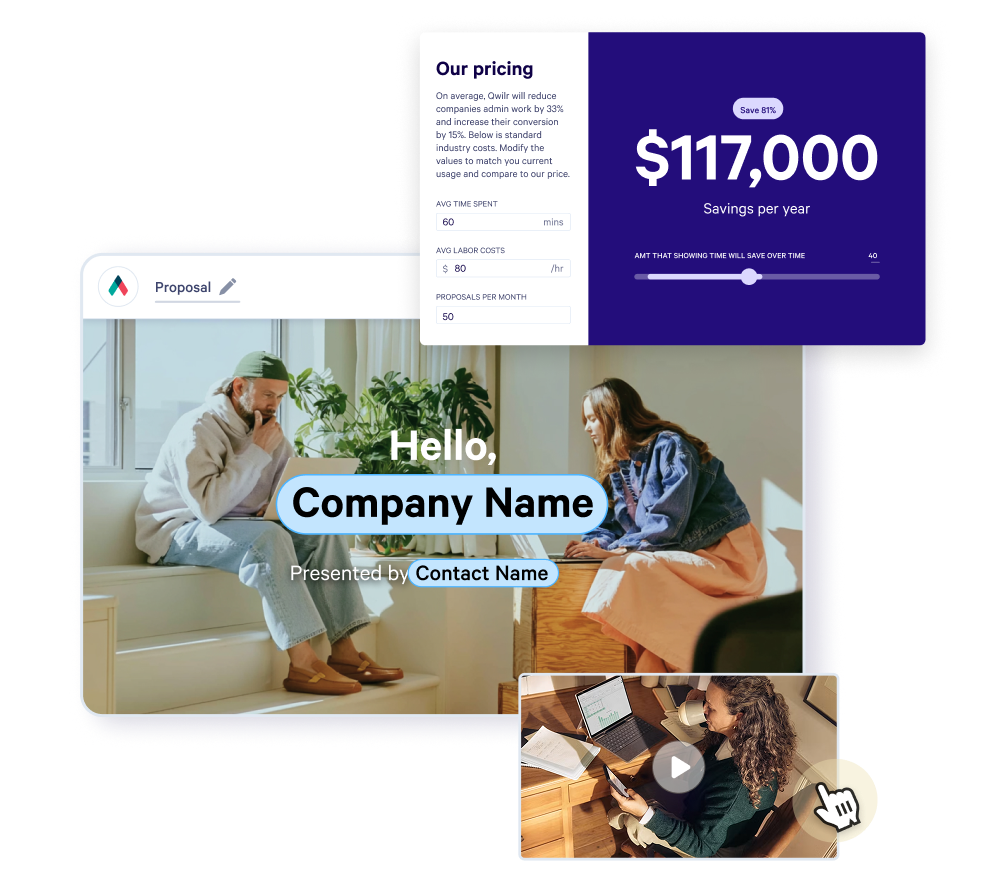
Stop rebuilding the monthly report
Recurring documents live as templates. The monthly report, the campaign wrap, the agency brief and the brand guidelines all start from a saved structure rather than last month's file.
Only account admins create or edit templates, so the brand guidelines nobody is allowed to change are the ones nobody can change.
Explore the content library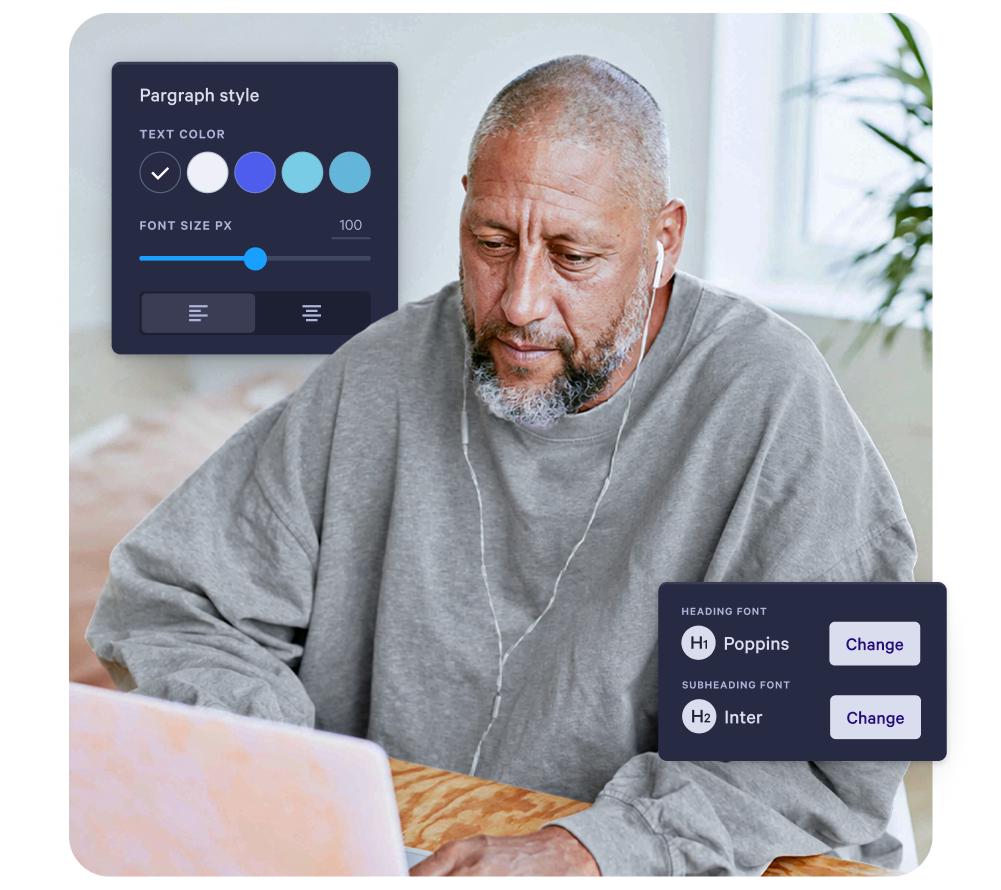
Embargoed until you say so
Launch material, pricing changes and partner announcements can carry a password so only the people you sent it to can open it, and a view limit that closes it after a set number of views.
Templates can carry an automatic expiry, on Growth and Scale, so a pre-announcement page does not sit live after the news is out.
Visit the Trust Center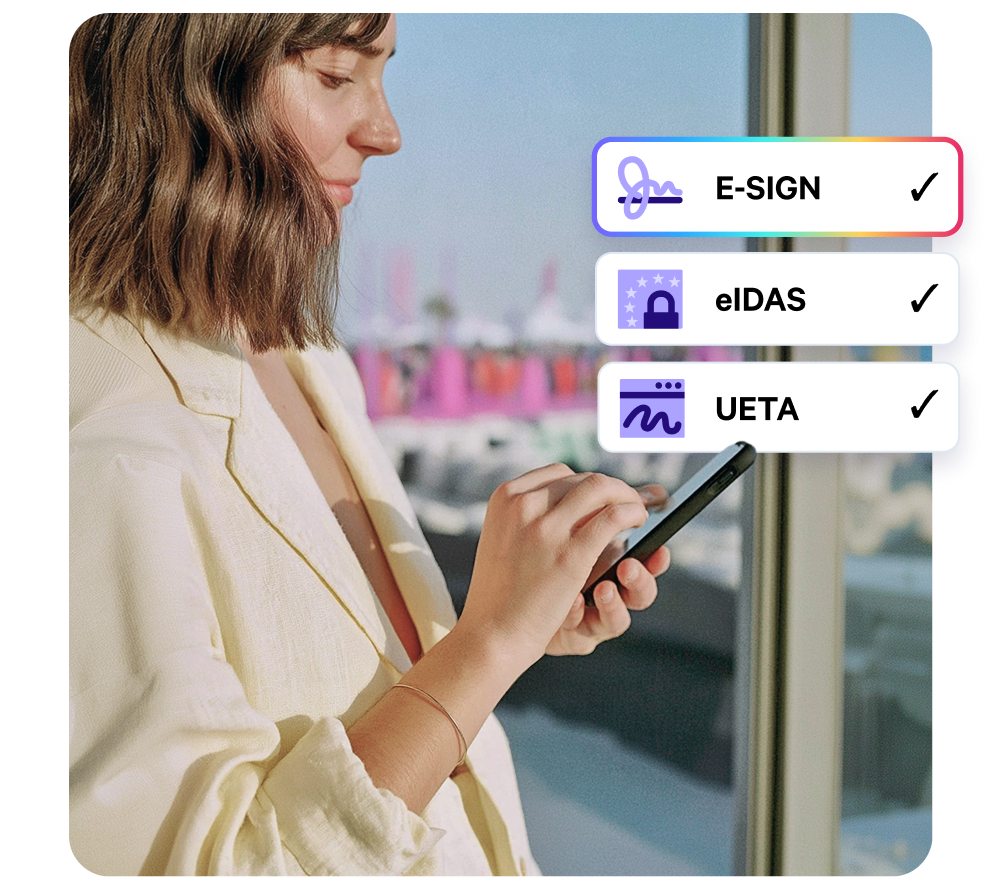
What marketing teams build in Qwilr
Reporting up
The documents leadership reads, or doesn't.
- Monthly and quarterly marketing reports
- Campaign wrap-ups and post-mortems
- Budget requests and business cases for spend
Working with others
The documents that go outside the team.
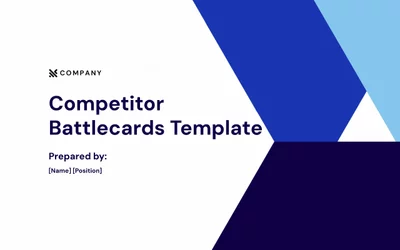
- Agency briefs and scopes of work
- Partner and co-marketing one-pagers
- Event and sponsorship proposals
Launching things
The documents with a date attached.
- Product launch plans and GTM briefs
- Media kits and press material
- Internal announcements and all-hands recaps


Make the case internally
For your sales team
"Will reps use it and stay on brand?"
Reps adopt Qwilr in their first day because the drag-and-drop editor is faster than editing PowerPoint decks.
The bit that matters for marketing: reps only touch the open sections.
Brand kit, positioning and legal terms stay locked, so the brand holds by design without anyone having to police every send.
For your finance team
"What does this cost, and what does it replace?"
Per-user pricing across three plans, with the Smart Proposal Engine and API priced on usage alongside the base.
The line that tends to land with finance is what stops needing paid separately: the collateral tool, the separate e-sign tool, the payment processor.
One line item replaces three or four.
For IT and security
"Will procurement clear this?"
Qwilr is SOC 2 Type II certified, GDPR ready and PCI DSS compliant on payment through Stripe, with SAML SSO available on Scale.
SCIM provisioning is not supported at this time, which is worth raising early if your IT team provisions everything that way.
The native integrations replace custom dev work, so once the rollout is done the IT team isn't left owning a build.
For your CEO or founders
"Will this pay off?"
The team gets brand governance, engagement data and a rep-friendly editor in one platform.
That means revenue and brand stay aligned instead of pulling apart.
Over a decade in the category with 5,000+ teams on the platform makes this a stable long-term bet.
Worth reading next
Guides from the Qwilr blog for marketing teams.
4 types of business report stakeholders want
What leadership is looking for in a report, and the structures that hold their attention.
How to get sales to actually use your content
A playbook for marketing and RevOps teams on why collateral goes unused, and what fixes it.
How to write a case study that wins deals
Structure, sourcing and the questions that produce a customer story worth publishing.

B2B marketing trends for 2026
Where budget, channels and buyer behaviour are moving, and what it means for the plan.
Customer stories
How marketing teams use Qwilr.

Questions marketing teams ask
Most teams come to Qwilr for proposals and quotes, then find the same blocks work for the rest of what marketing sends: client and campaign reports, presentations, launch summaries, agency briefs and partner one-pagers.
Nothing extra is needed. It is the same account, the same content library and the same brand kit, pointed at documents that were never going to be a proposal.
What changes compared with a file is what happens after you send. The page opens in a browser with nothing to download, it can be updated without resending, and it reports back on who opened it and which sections they read.
Sixty days on Starter, 120 days on Growth and unlimited on Scale.
That distinction matters more for marketing than for sales. A rep cares about the last fortnight; a marketing lead comparing this quarter's report engagement against the same quarter last year needs the history to still be there.
If year-on-year comparison is part of how you work, Scale is the plan that supports it.
Both. Presentation mode is a full-screen view of the page: open the collaborator link, click Present, and move block to block with the down arrow or the spacebar. Escape exits.
It works on pages in Draft or Live status, so you can present a report before it goes out or talk through one you have already sent.
The advantage over a deck is that the same page does both jobs. You present it live, then send the link so they can read it again without you in the room.
It is not a design tool. You are working with blocks and a brand kit rather than a blank canvas, which is what makes it fast and keeps it on brand, but a highly art-directed piece still belongs in InDesign or Canva.
It is not a marketing analytics platform either. It tells you who read your document, not how your campaigns performed.
And it is not where most teams start. Marketing usually inherits Qwilr because sales is already sending proposals from it, and the reports and presentations follow.