
Get engagement letters accepted in one step
The proposal, the costs agreement and the client's acceptance go out as one document, built for commercial firms that price matters up front.
4.6 out of 5 from 937 G2 reviews
Rated on G2 for contract management and e-signatures




Open the matter in a single acceptance

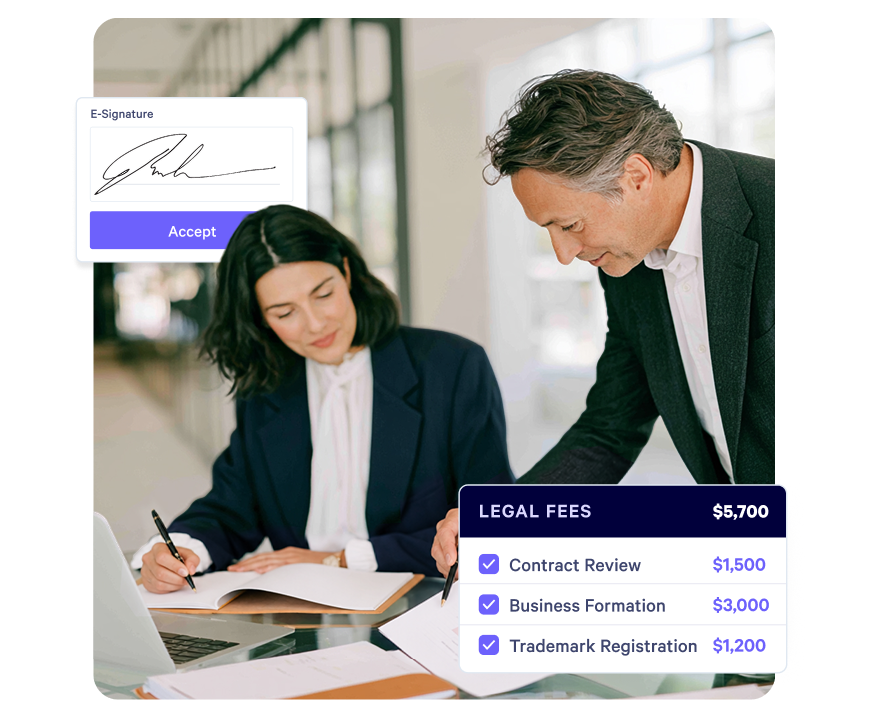
The proposal and the agreement in one step
Scope, fee basis and the place to accept sit in the same document, so the client agrees once rather than signing again a week later.

A fee basis clients can read
In-house teams increasingly want a scoped price before they instruct. Setting the fee basis out clearly does you as much good as it does them.

One document across the firm
Every lateral and every merger brings another set of precedents. Publish one template and the firm sends from it, wherever the client came in.
How the document works
Proposal and agreement in one step
Scope, fee basis, estimate and the place to accept sit in the same page. The client agrees once, rather than picking an option by email and signing a separate agreement a week later.
Fee options appear as choices the client makes, so what they accepted is on the record.
Explore quotes and estimates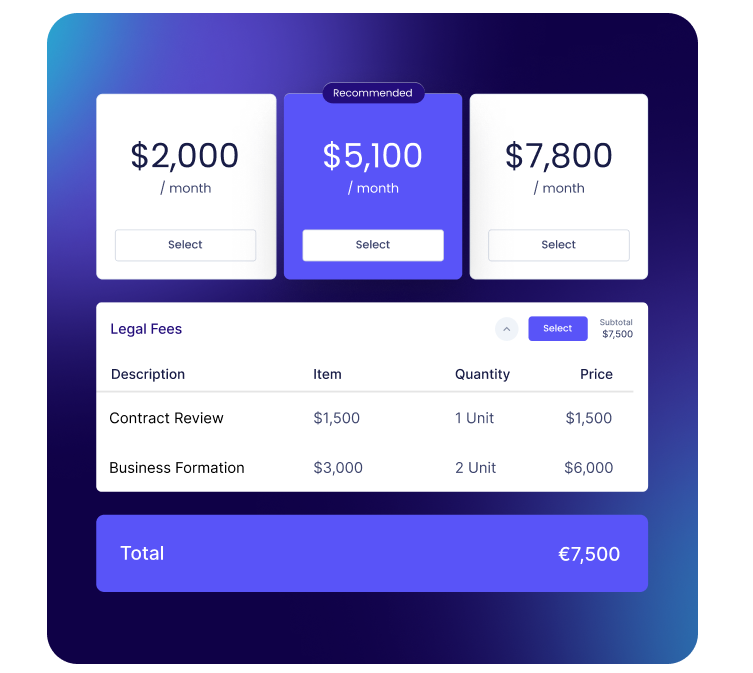
A locked record on the matter file
On acceptance the page locks and cannot be reversed, deleted or edited. The audit trail records the acceptor's name, email and company, so the matter file shows who agreed to what.
Explore e-signature
Know when it has been read
An engagement document often goes to a general counsel, a founder or a board before anyone replies.
Qwilr emails you the first time a client opens the page, and section-level read time shows whether they reached the estimate. Email verification asks each reader to confirm who they are, so the partner follows up with the person who has the question.
Explore buyer insights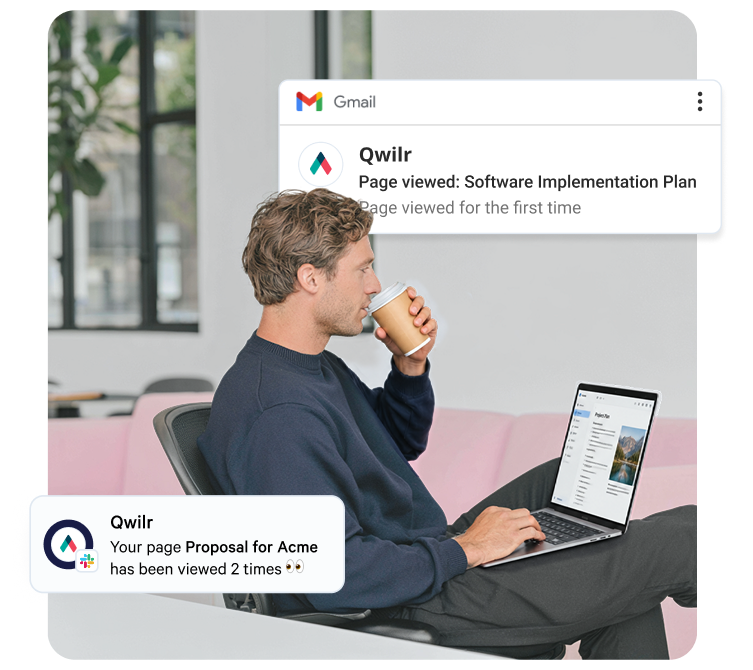
Terms that stay as the firm set them
Only admins can edit templates, and they choose who can view or edit each one. Lock the blocks carrying your terms of business and your limitation of liability, and anyone at the firm can use them while only an admin can change the wording.
Scope and the estimate stay open, because that is the lawyer's judgment.
Explore the content library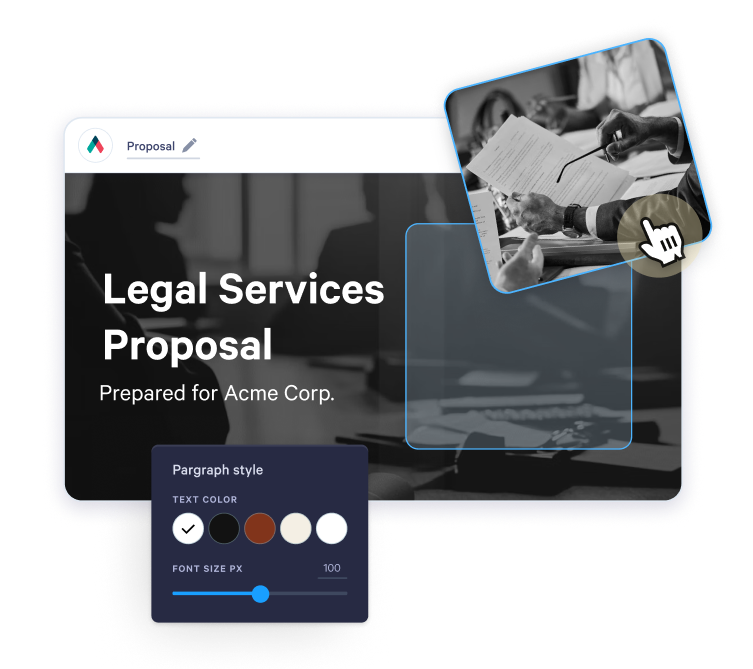
Two documents became one acceptance
Law Squared is a commercial firm working across Australia and the UK. Their old process ran a scoping call, a proposal built in Word and InDesign, a selection by email reply, a conversion into a costs agreement, then AdobeSign or PandaDoc before the firm itself signed.
With Qwilr and their Salesforce integration, the proposal and the agreement became a single step. They now have at least ten to fifteen proposals accepted every week, and a signed proposal activates the new client in Salesforce without anyone touching it.
“It's been a game changer for us…and within the legal community, which relies heavily on Word documents, it's been really well received.”
Nam Truong, Digital + Innovation, Law Squared
Read the Law Squared story
What goes, and what stays
Nobody wants a fifth system, and practice management is not one of the things this replaces.
Questions law firms ask
Proposal software for law firms produces the document a firm sends as a matter opens: scope, fee basis, estimate and terms, with acceptance inside the document. Commercial, corporate and boutique firms use it for what is called an engagement letter or fee agreement in the United States, a client care letter in England and Wales and a costs agreement in Australia. A legal services proposal template is a good place to start.
Yes. The client accepts in the page, and once accepted it cannot be reversed, deleted or edited, while the audit trail records the acceptor's name, email and company. Whether electronic acceptance suits a given matter type, and how e-signature law applies where you practise, is a judgment for your firm. Our guide on whether electronic signatures are legal covers the main frameworks.
Not natively. Qwilr's native integrations are CRMs: HubSpot, Salesforce, Pipedrive, Zoho CRM and Microsoft Dynamics 365, all listed on the integrations page. A practice management system needs a custom connection, so tell us which one your firm uses and we will talk through what that involves. Law Squared runs the Salesforce integration and activates a new client automatically once a proposal is accepted.
Yes. QwilrPay only appears on a page when someone adds it and a Stripe account is connected, so firms that don't want payment on an engagement document leave it off.
Money held on account of costs belongs with your trust accounting, which sits outside Qwilr. How it has to be handled depends on the rules where you practise, so check them with your regulator or adviser. If you do want to take fees in the page, see how QwilrPay works.