
Show them the room, then hold the date
Send the space set three different ways, the packages priced per head and a deposit that books the date in one branded link. It is built for venue sales teams quoting against three others for the same Saturday.
4.6 out of 5 from 937 G2 reviews
Rated on G2 for proposals, e-signatures and a quick rollout




How an enquiry becomes a booking

Answer the enquiry the same day
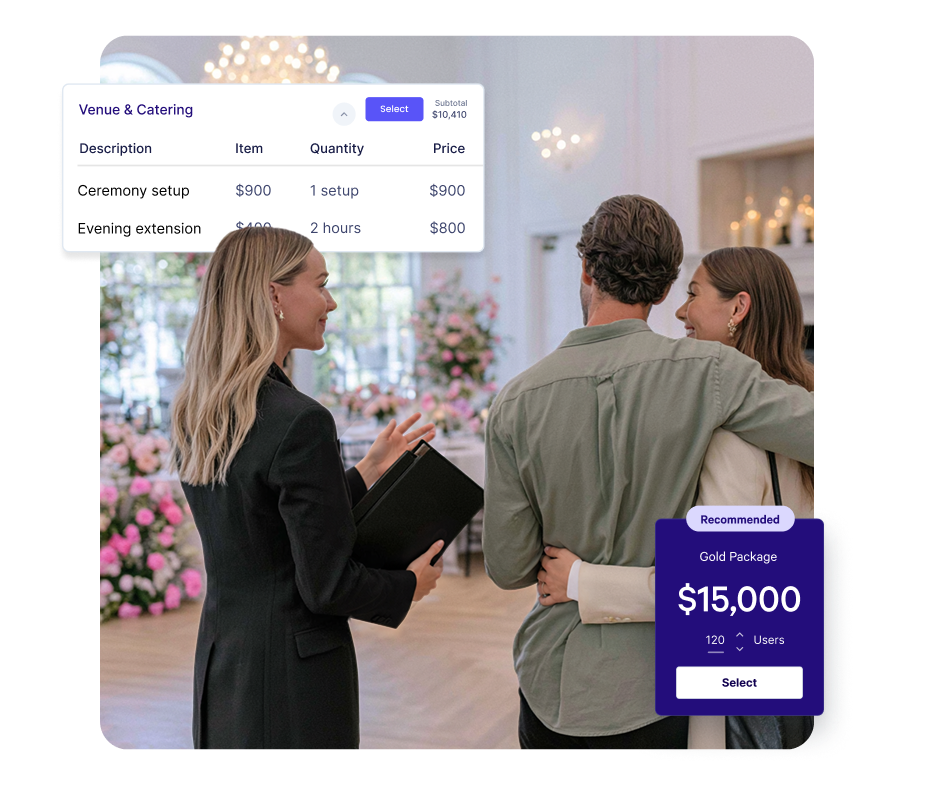
Your last conference proposal is already most of this one. Change the date, the numbers and the package, and it goes out the same morning the enquiry lands.

Let them set the numbers
Set a quantity range on the line and the client picks the headcount. The day delegate total follows as they move it.

Call before the other venues do
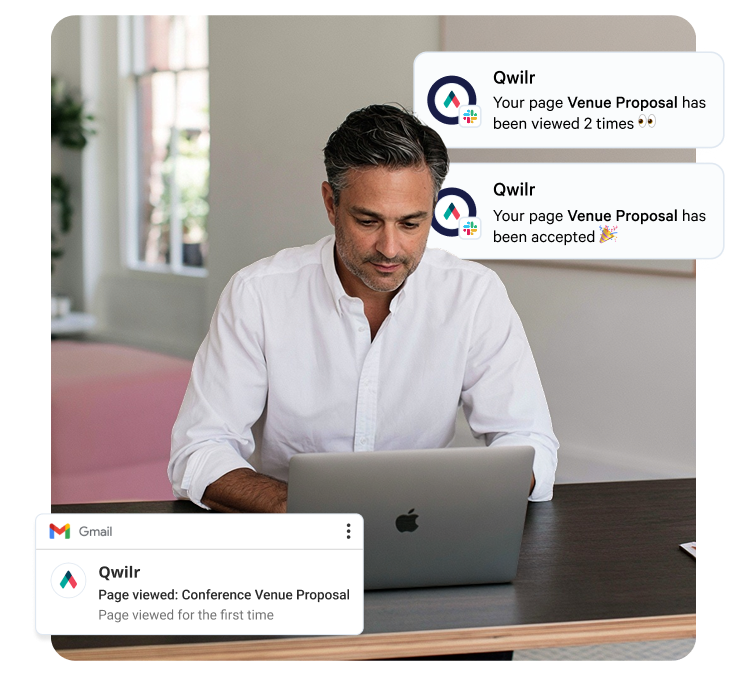
Three other venues are quoting the same date. Qwilr emails you when yours is first opened and shows how long the client spent on each section.
Let them picture their event in your space
A client comparing four venues, from a hotel ballroom to a gallery after closing, is working from whatever each one sent them. If that is a rate card and a floor plan PDF, they are guessing at the room.
A Qwilr page carries your photography of the space set up the way they intend to use it, a video walkthrough, and the floor plan opened in the page rather than downloaded. Your best photography sits in saved blocks, so every proposal uses it, whoever builds it.
Explore the editor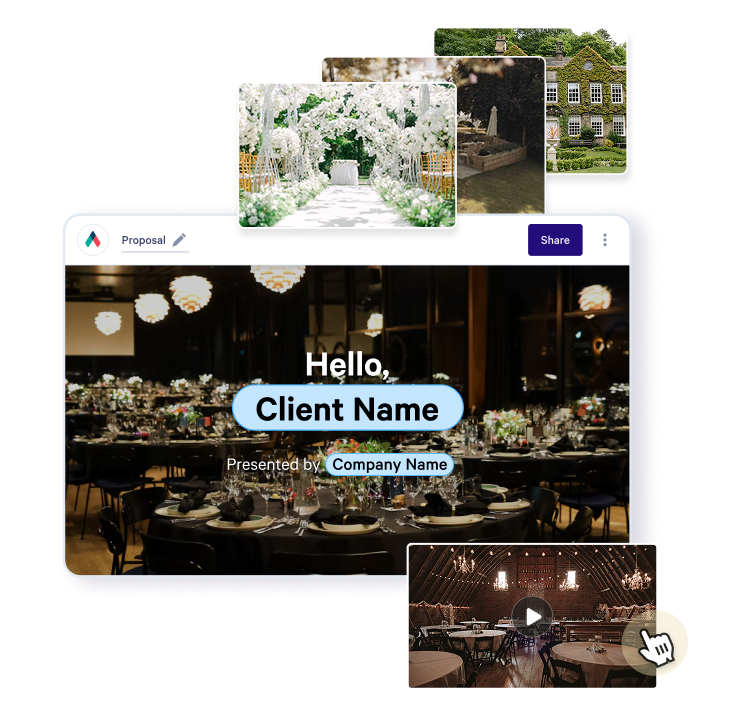
Itineraries for media and trade visits
Famil trips for journalists and creators, trade visits and the events you run all need an itinerary that keeps changing until the group travels.
Put the schedule, hotels, briefing notes and contacts on one Qwilr page. Change a dinner booking and everyone with the link sees the update. Qwilr emails you the first time the page is viewed, and with email verification turned on you can see which guests have opened it.
For a large trade event, the same page can be the version every partner works from.
Pricing that follows the headcount
Nothing on a venue quote is a fixed number. The headcount changes, room hire depends on the layout, and the catering line moves every time the menu does.
Give the per-head line a minimum and maximum, and the client sets the headcount within that range while the total updates. Packages can go out as one combined price, as options where the client picks one, or as sections they select themselves. AV, accommodation and menu upgrades sit behind a tick box.
Explore quotes and pricing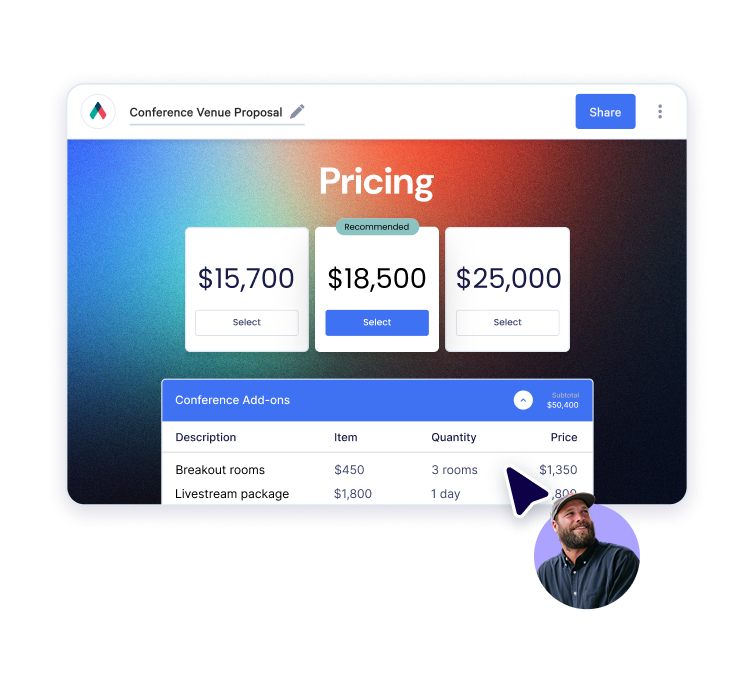
The deposit clears before the date moves
A provisional hold only becomes a booking once the deposit lands. The client signs the terms in the same page they picked the package in, and QwilrPay takes the deposit through Stripe as a flat fee or a percentage of the total.
Once accepted the page locks and can't be reversed, deleted or edited, so both sides have a fixed record of the date, the numbers, the package and the cancellation terms. The audit trail keeps the name, email and company of whoever accepted.
Explore payments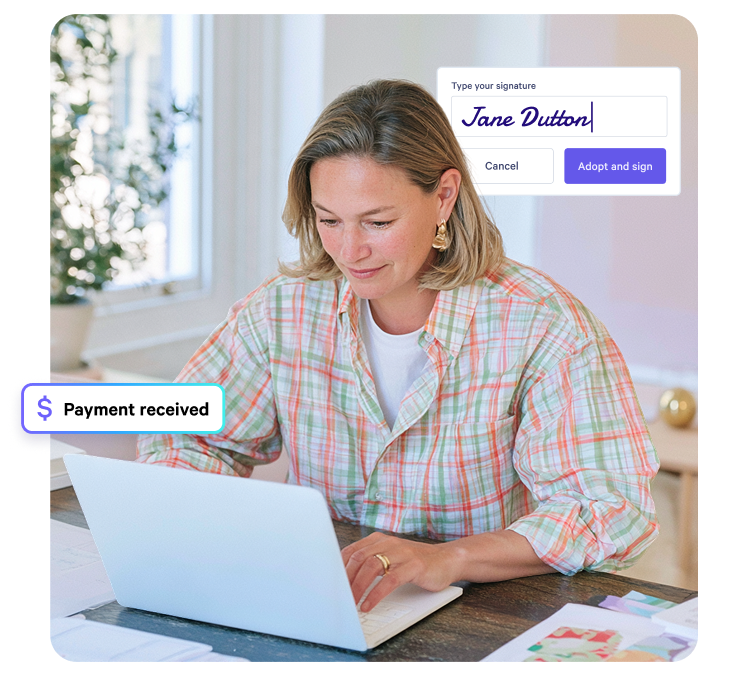
Every venue sends the same proposal
A group running four properties usually ends up with four versions of the proposal, and the terms drift on whichever one was last edited.
Templates are managed by account admins, so each venue starts from the version the group signed off and changes only the room, the date and the numbers. Individual blocks can also be locked, which keeps the cancellation terms and the payment schedule exactly as written whichever coordinator builds the page.
See how teams work in Qwilr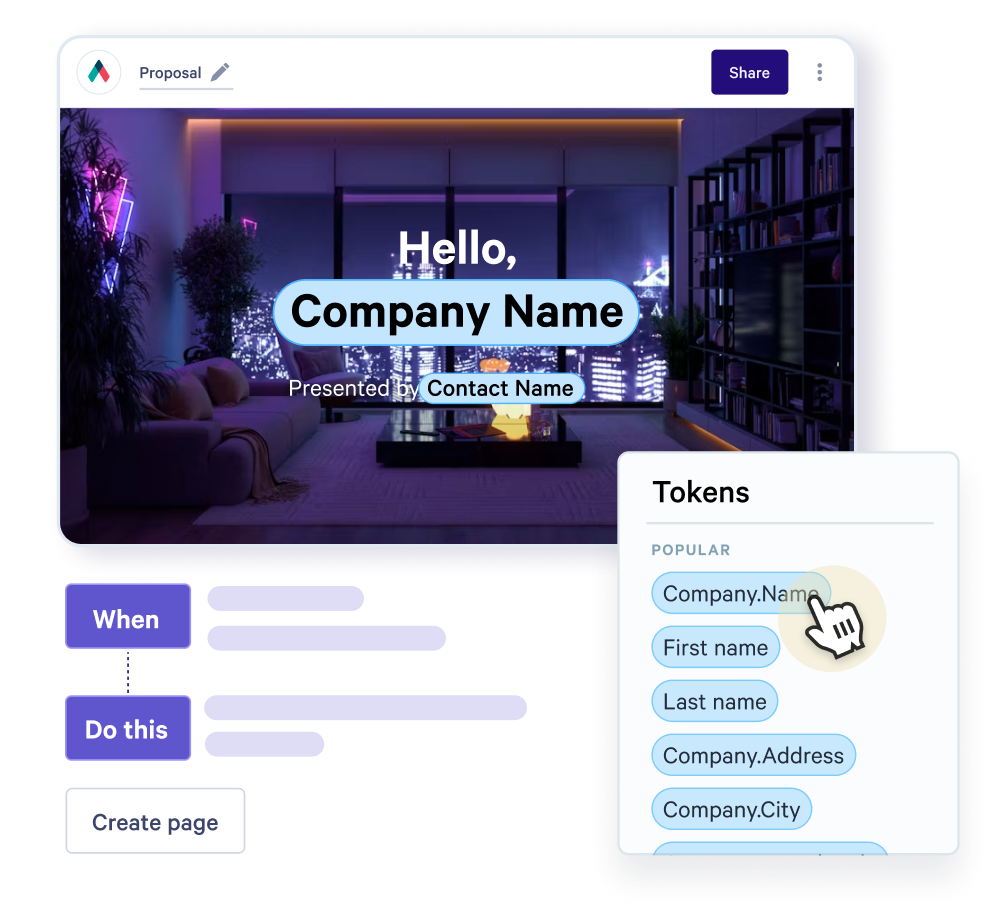
Sits beside the system you book in
Your venue management system keeps the diary, banquet event orders and room blocks. Qwilr handles the proposal you send from it: the space, the packages, the terms and the deposit.
On the sales side it connects to HubSpot, Salesforce, Pipedrive, Zoho CRM and Microsoft Dynamics 365.
View integrations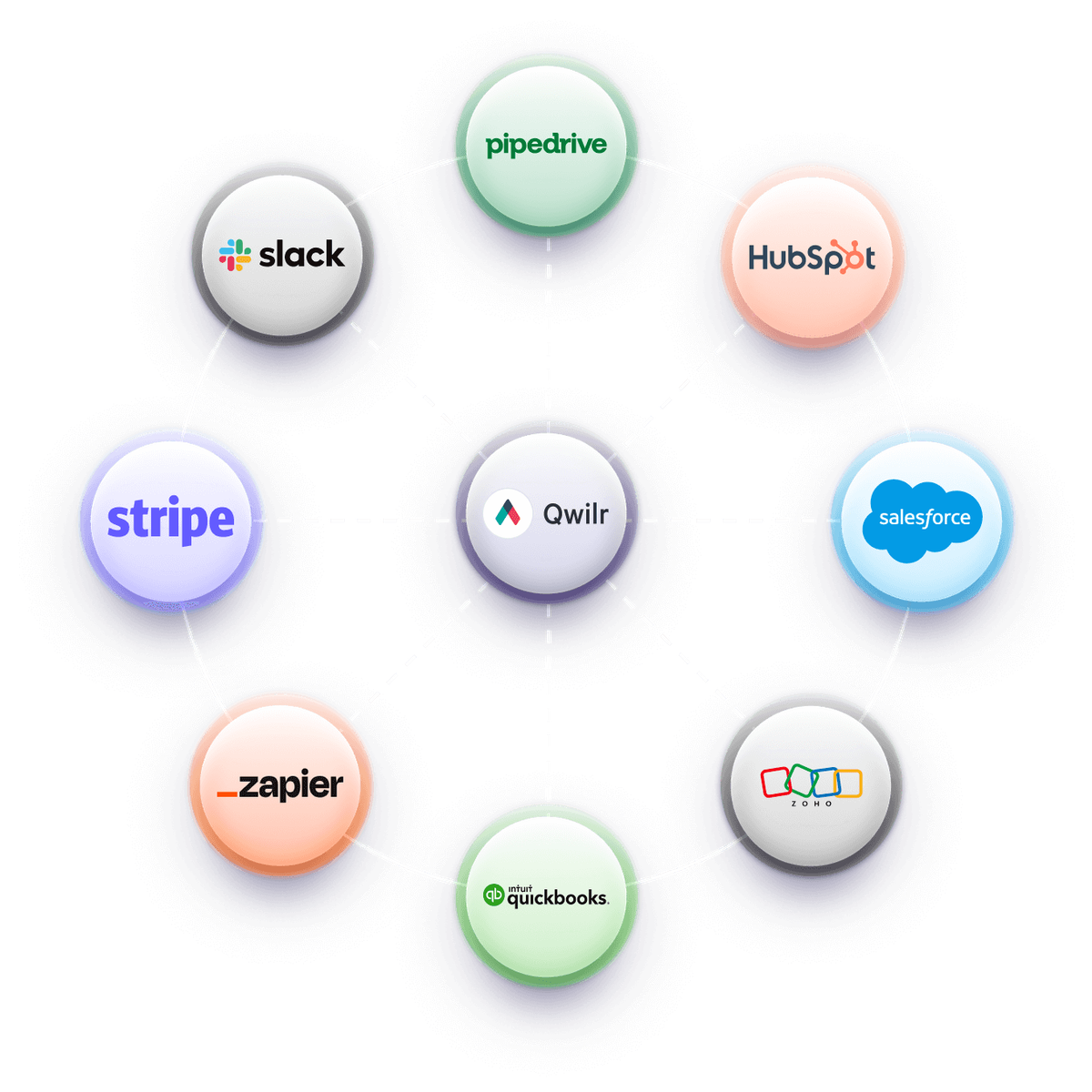
Get started with a template
Free reusable templates for venue hire, conference, catering and event space proposals.
Explore proposal templates

Worth reading next
Guides from the Qwilr blog for venue and event sales teams.
How to write a conference proposal
What a conference organiser is comparing venues on, beyond the day delegate rate.
How to build an event proposal process
Turning one-off quotes into a repeatable process the whole sales team follows.
Write an event proposal that sells an experience
Why the document has to do the work a site visit would, and how to structure it.
Questions venue teams ask
Venue proposal software builds the proposal a client reads when choosing between venues: the space, capacity, packages, per-head pricing, terms and the deposit that holds the date. Hotels, conference centres, museums and attractions use it for event hire, alongside the venue management system that runs the booking.
The client opens it from one link on any device, sets the headcount, signs and pays the deposit in the same place. You get an email the first time they open it. You can start from one of our venue and event space templates.
The date and the hold, the space and capacity in each layout, photos of the room set up, package inclusions, per-head or hire pricing, AV and catering options, the payment schedule and cancellation terms. Our guide to deposits and payment terms covers that part in detail.
Put the cancellation terms on the same page the client signs rather than in a separate attachment, so they are part of what gets accepted.
Yes. Give the per-head line a minimum and maximum, and the client sets the headcount within that range while the total updates. AV, accommodation and menu upgrades sit alongside as optional extras with a tick box.
Set the minimum at the number your room hire or minimum spend is based on, so the client can't price the event below what the space needs. More on quotes and pricing.
No. Your venue management system keeps the diary, banquet event orders and room blocks. Qwilr covers the proposal, the terms and the deposit, and connects to HubSpot, Salesforce, Pipedrive, Zoho CRM and Microsoft Dynamics 365. See all integrations.
Before the client accepts, edit the page and the link they already have shows the update, so there is never a second version in their inbox. After acceptance the page locks and can't be edited, so a change to the booking goes out as its own page with its own signature.
That keeps the original date, numbers and cancellation terms on record, with the change and who agreed to it alongside. If the deposit needs topping up, the new page can take it on acceptance. More on e-signatures.
Yes. Tourism bodies use Qwilr for itineraries and briefing packs for journalists, creators and trade partners, and changes reach everyone with the link. Start from the travel brochure template.