
- Sales Proposal Template
Sales Proposal Template
Lead with the client's goals, show the return, and let them choose options and sign on the same page.
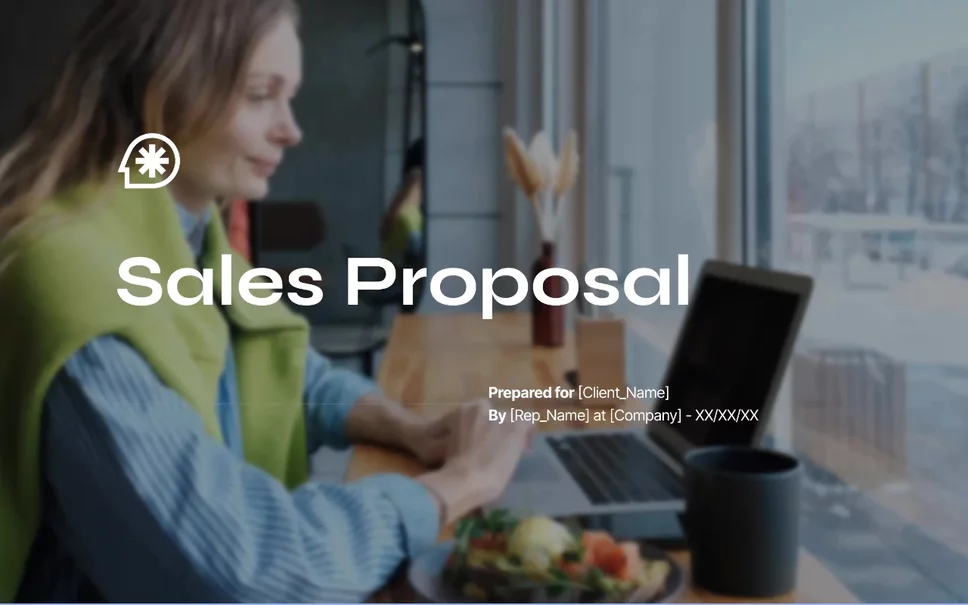
About this template
Built for sales teams selling to buyers where several people need to agree. It opens with the client's goals, connects their challenges to your solution, and puts the price, options and agreement on one page.
Sales leaders use it to keep proposals consistent across reps, while sales ops and enablement teams can set it as the starting point for every deal. If you use HubSpot or Salesforce, RevOps can connect it so client details fill in from the deal record.
Want a version built around your brand and sales process? Qwilr's design team can create one for you. Talk to our team
What's included?
- Executive summary
- Challenges and solution
- ROI calculator
- Action plan
- Interactive quote
- Agreement and e-signature
The sections in this sales proposal template
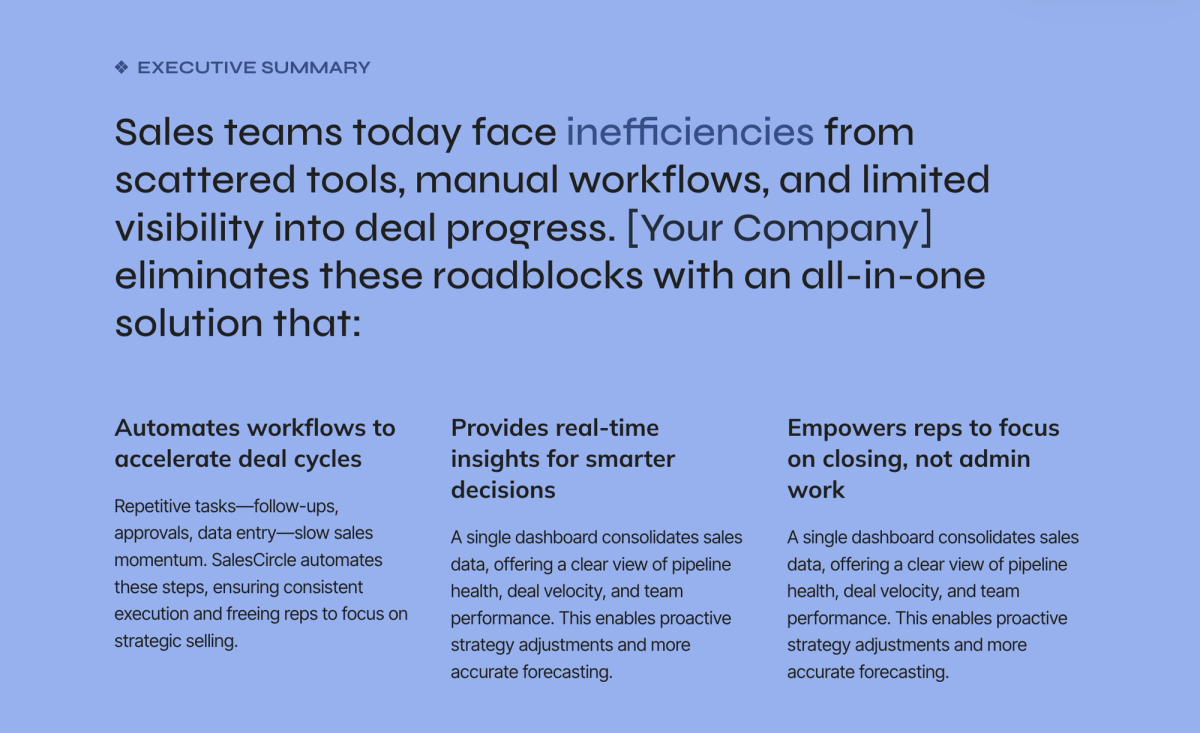
Executive summary
Open with the client's goals and the result you expect to deliver, in a few lines a busy decision-maker will read first. Everyone else on their side can find the detail further down.
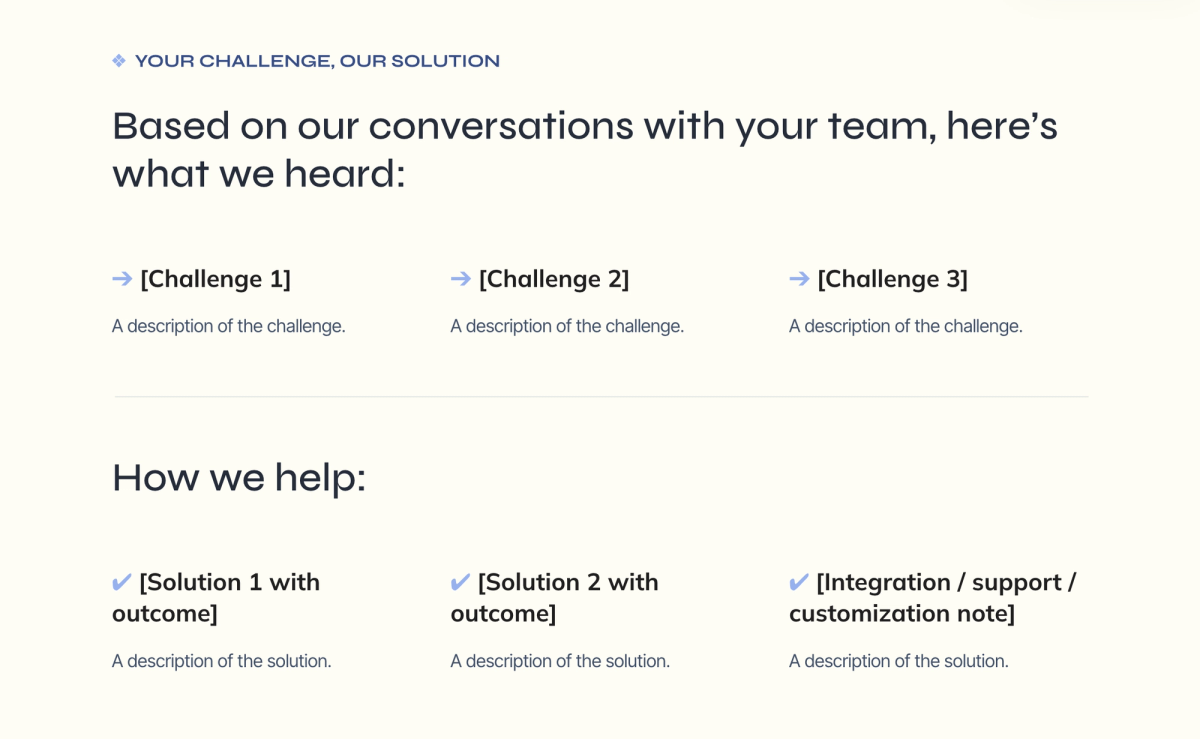
Challenges and solution
Play back what you heard in discovery, in the client's own words, then show how you'll solve each challenge. It shows you listened, and it gives your contact wording they can reuse internally.
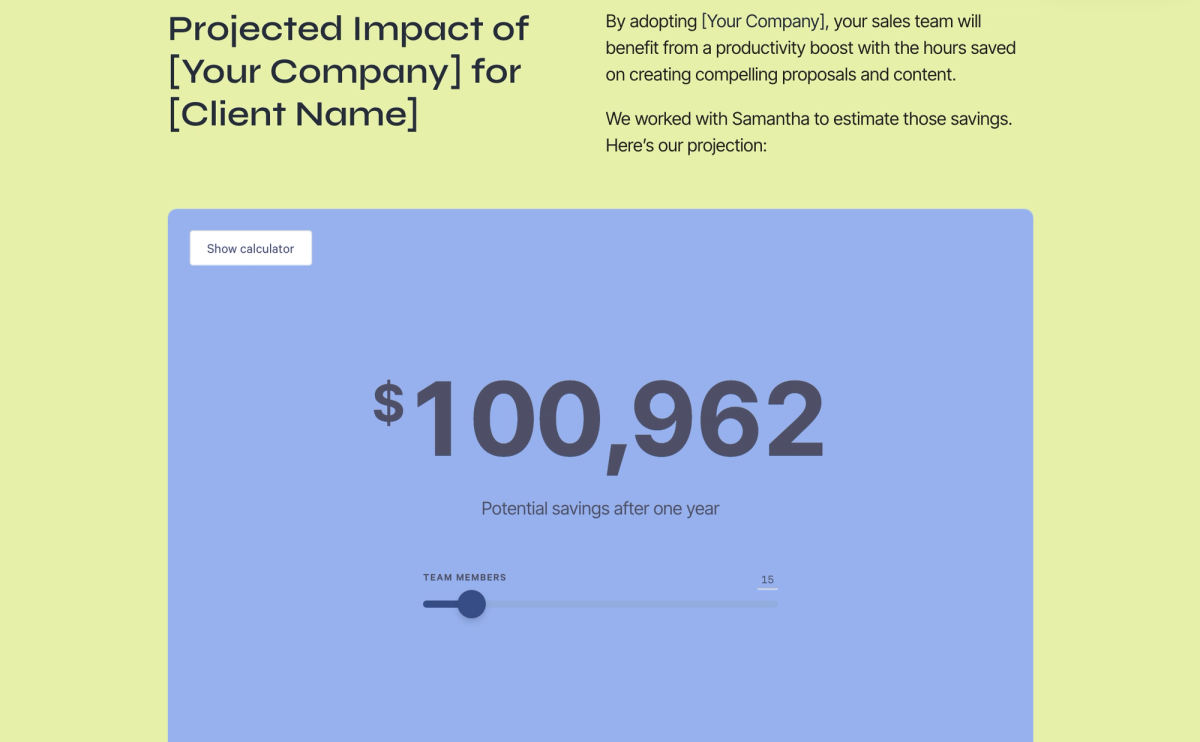
ROI calculator
Show the expected return using inputs you adjust for each client, so your contact has figures to take to finance when they make the case internally.
Action plan
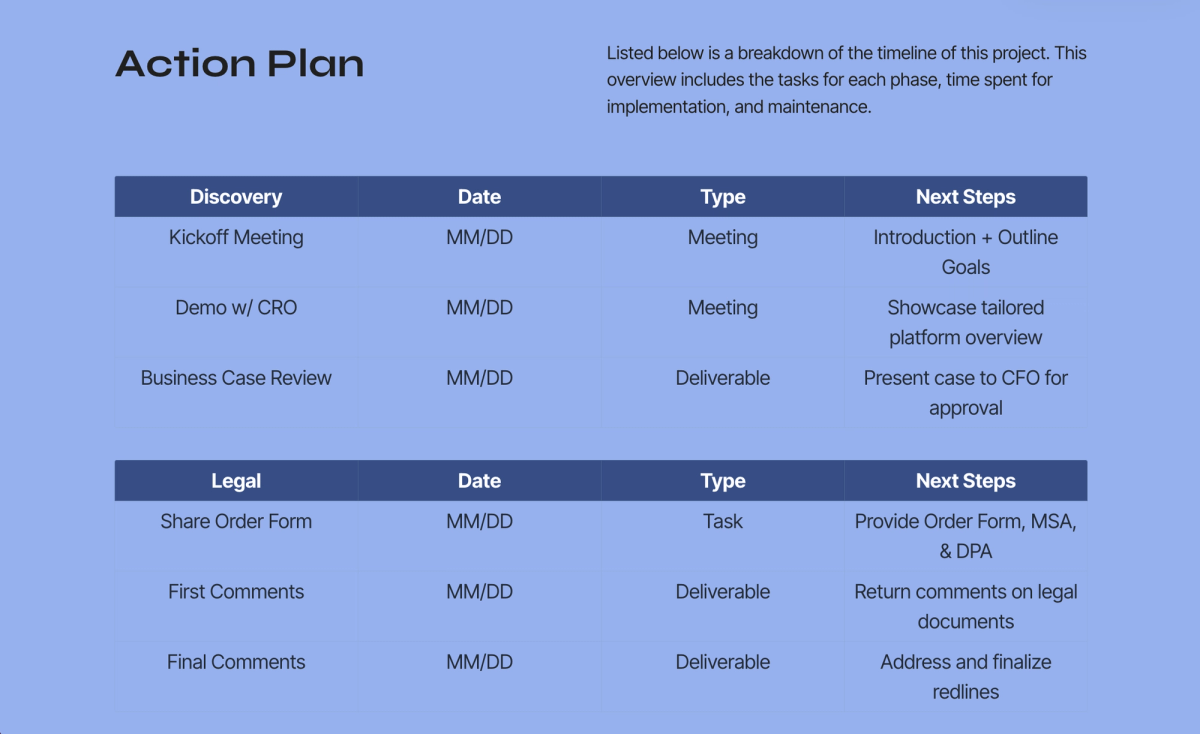
Set out the steps from kick-off to first results, with owners and dates, so the buyer can see how the work will run before they sign.
Interactive quote
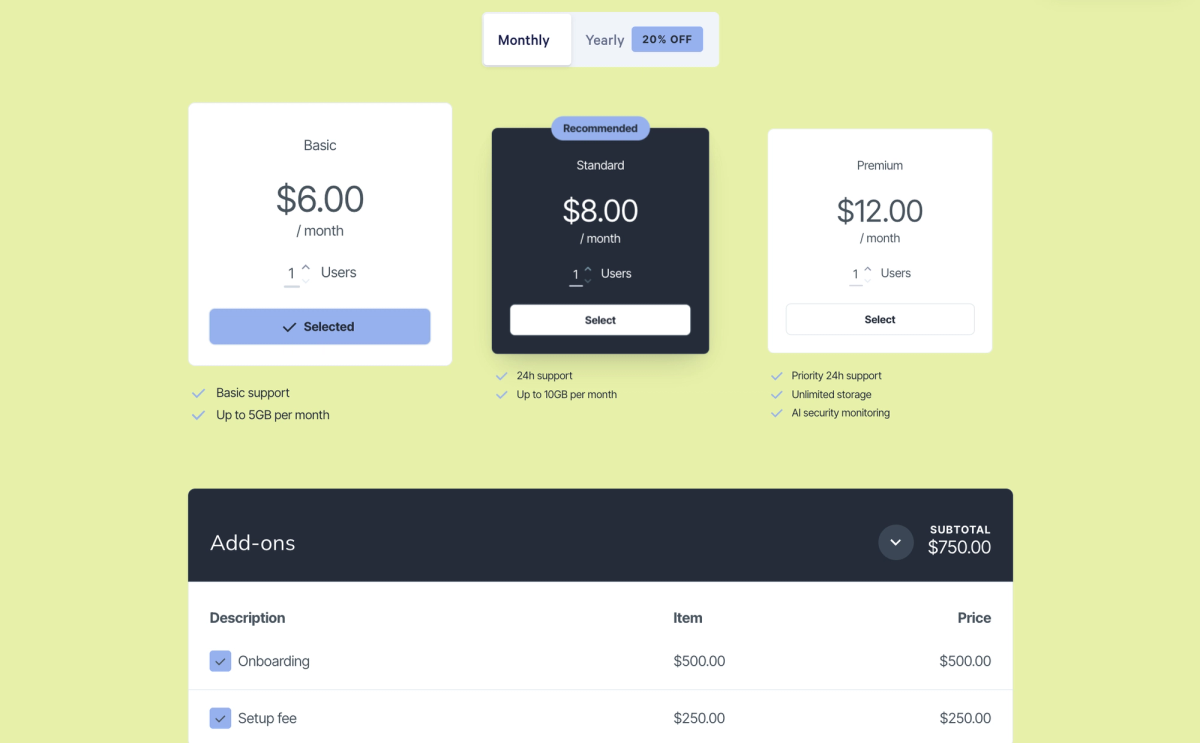
Let the client choose a package, add optional items or change quantities, with totals updating as they go. It saves sending a new version every time they want to see a different option.
Agreement and e-signature
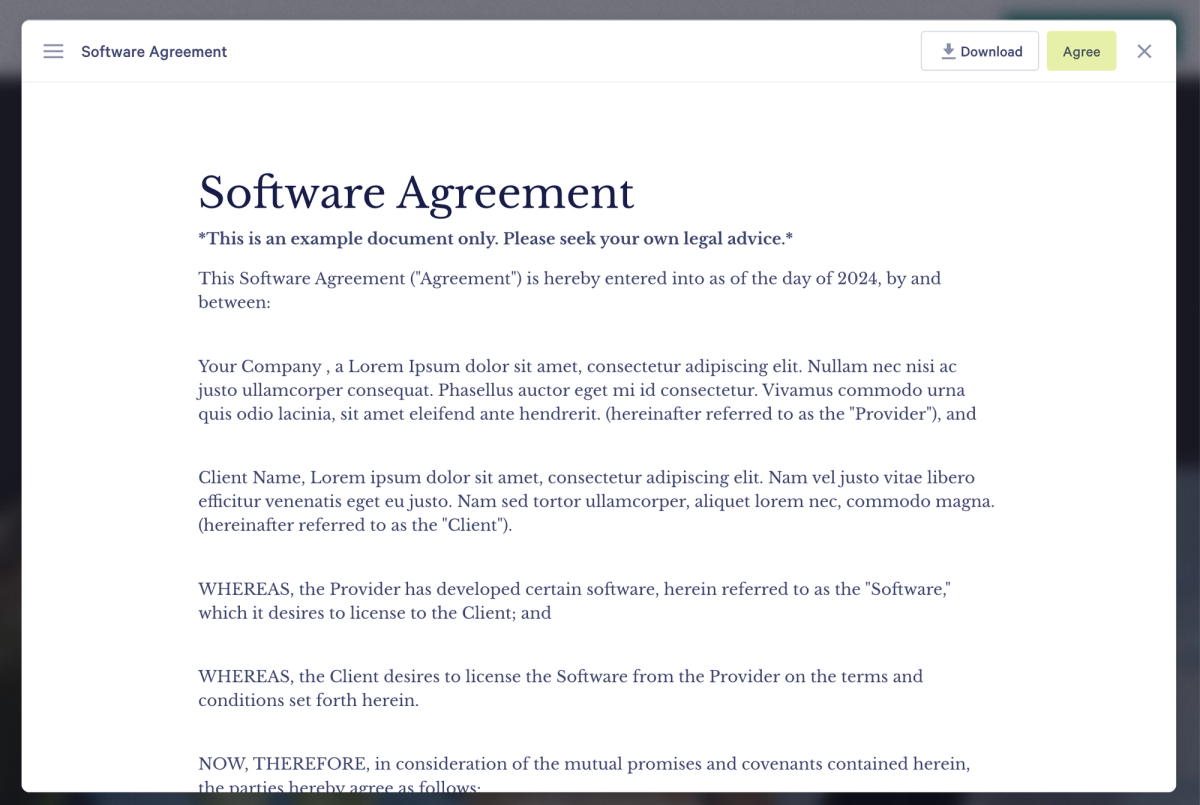
Your terms sit under the proposal, so the client can read, accept and sign in one place, with no separate e-signature tool or PDF attachment.
Why sales teams choose this template
Over 950 businesses have started a proposal from this template since 2023, more than any other in our library. It's used by marketing agencies, consultancies, recruitment firms and financial services teams, anywhere a proposal has to win over more than one person.
Interactive proposals are accepted up to twice as often
In our analysis of more than a million proposals, those with interactive pricing tables or an ROI calculator were accepted up to twice as often. This template includes both.
When more people read it, acceptance nearly doubles
When at least two more people viewed a proposal in its first five days, acceptance nearly doubled. The template is easy to share with everyone involved in the decision. Read the research
By pulling key information from HubSpot as well as having those blocks already built, the proposal process takes a couple of minutes.
Verified G2 review
Rated a Leader for proposal software on G2




Why Qwilr?
Design interactive proposals
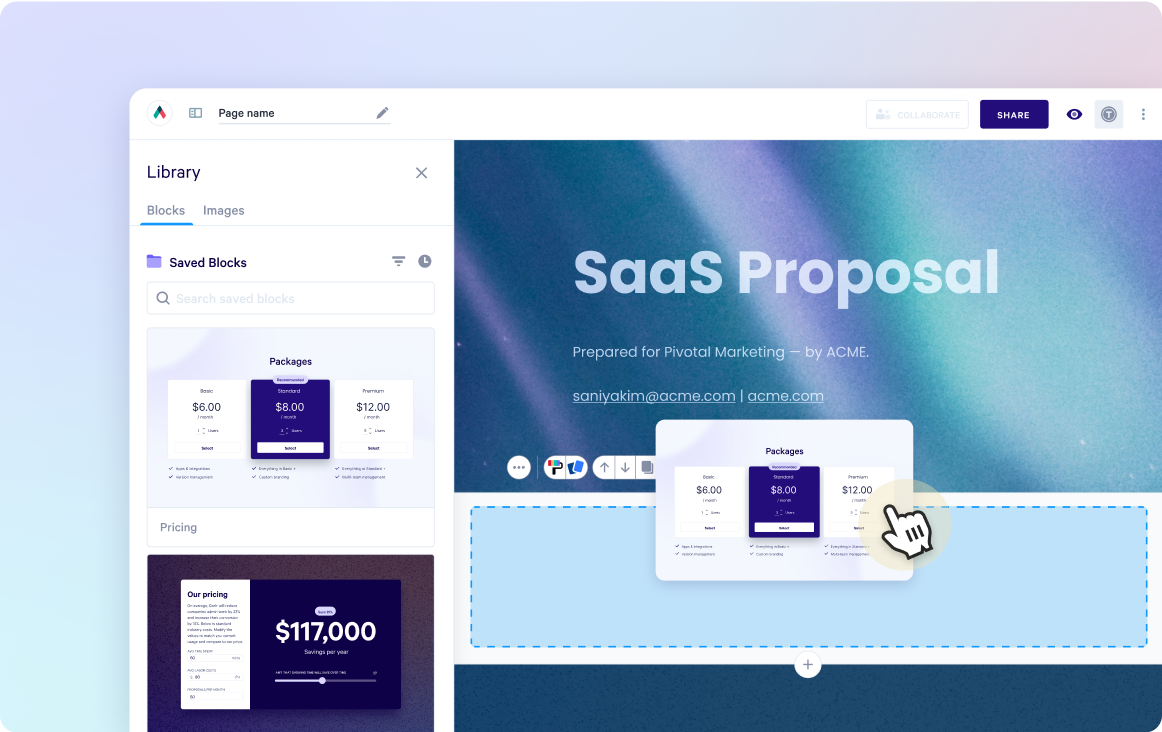
Impress buyers with interactive proposals that stand out. Qwilr’s drag-and-drop editor makes it easy to create on-brand, stunning collateral — no design skills needed. Add videos, dynamic pricing, and ROI calculators to deliver a unique experience, while automated brand customizations ensure every proposal looks professional.
Built-in e-sign functionality
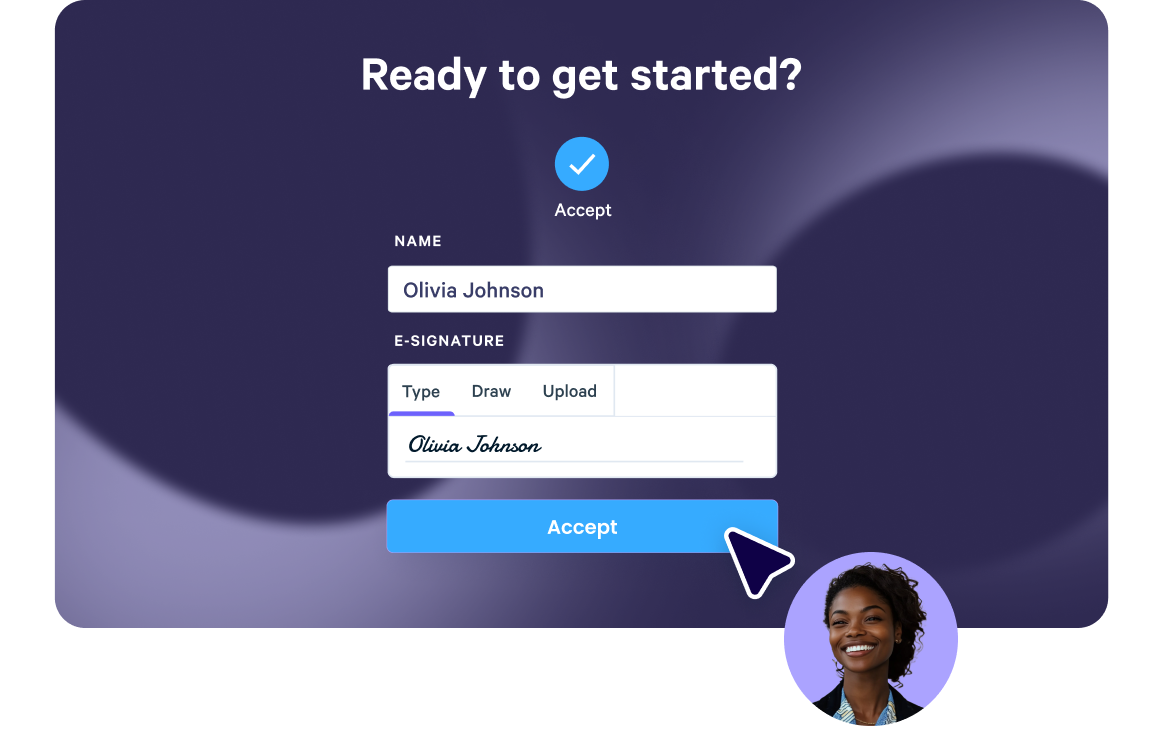
Combine stunning proposals, plain-text agreements, and secure e-signatures in one tool. Add print-friendly agreements alongside dynamic content and collect legally compliant e-signatures with ease. Track progress, capture multiple signatures, and close deals faster with Qwilr’s integrated e-sign functionality.
Real-time proposal analytics
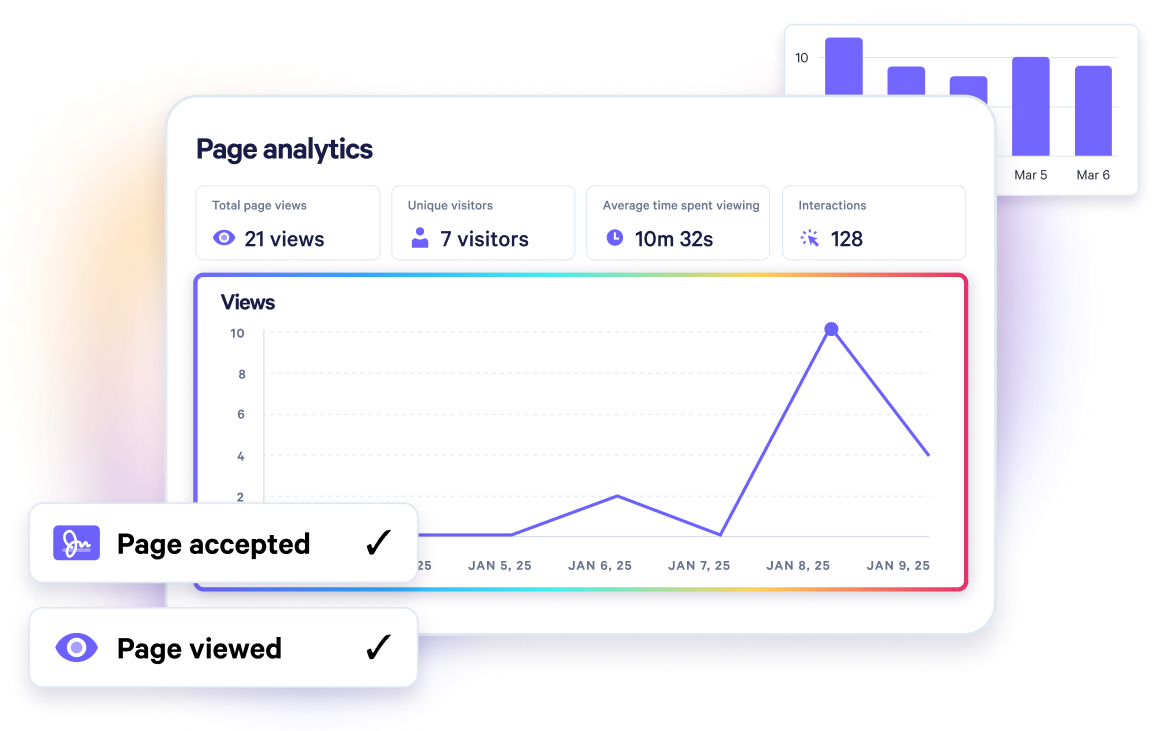
Qwilr’s analytics provide full visibility into buyer engagement. Track when proposals are opened, signed, or shared, and get instant notifications for key buyer activities. See what buyers click on, how they engage, and prioritize follow-ups based on real-time insights—all designed to help close deals faster.
Templates for every use case
Explore templates for sales, marketing, customer success and more, or see how Qwilr works for your industry.
Explore sales proposal templates

Frequently asked questions
The client's goals in their words, the problem you're solving, how you'll solve it, the price and what happens next. Add proof only where it backs up a specific claim. A common mistake is spending the opening pages on your company instead of the buyer's problem. Our guide on how to write a sales proposal goes into more detail.
Long enough to answer what the buyer's team will ask when you're not in the room. Keep a short summary up front for decision-makers, and put detail further down for the people who need it, such as finance or IT.
A quote states the price for defined items. A proposal makes the case: the problem, your approach, the expected result and the price. For larger deals the quote usually sits inside the proposal. See our quote template.
Give every rep the same approved starting point, with branding, pricing and terms set centrally, and leave the client-specific parts open: the summary, the challenges and the plan. In Qwilr you can save team templates and reusable blocks, so reps fill in the details instead of rebuilding the document each time.
Base follow-ups on what the buyer does, not a fixed schedule. If they've spent time on pricing, ask about options. If it's been forwarded to new people, offer to walk them through it. Qwilr shows who opened a proposal, which sections they spent time on and when it was shared.
Yes. Qwilr connects with HubSpot, Salesforce, Pipedrive, Zoho CRM and Microsoft Dynamics. Reps can create a proposal from the deal record with client details filled in, and see views and acceptance back in the CRM.