
NEW: Control access to folders in Qwilr
Want to organize your Qwilr account, but don't want to give everyone access to all your pages?
We've introduced new folder permissions, giving you flexibility over who can view and edit the folders in your account, and the pages within them.
(This feature is rolling out progressively across accounts. Get in touch with our Support Team if you'd like to opt in.)
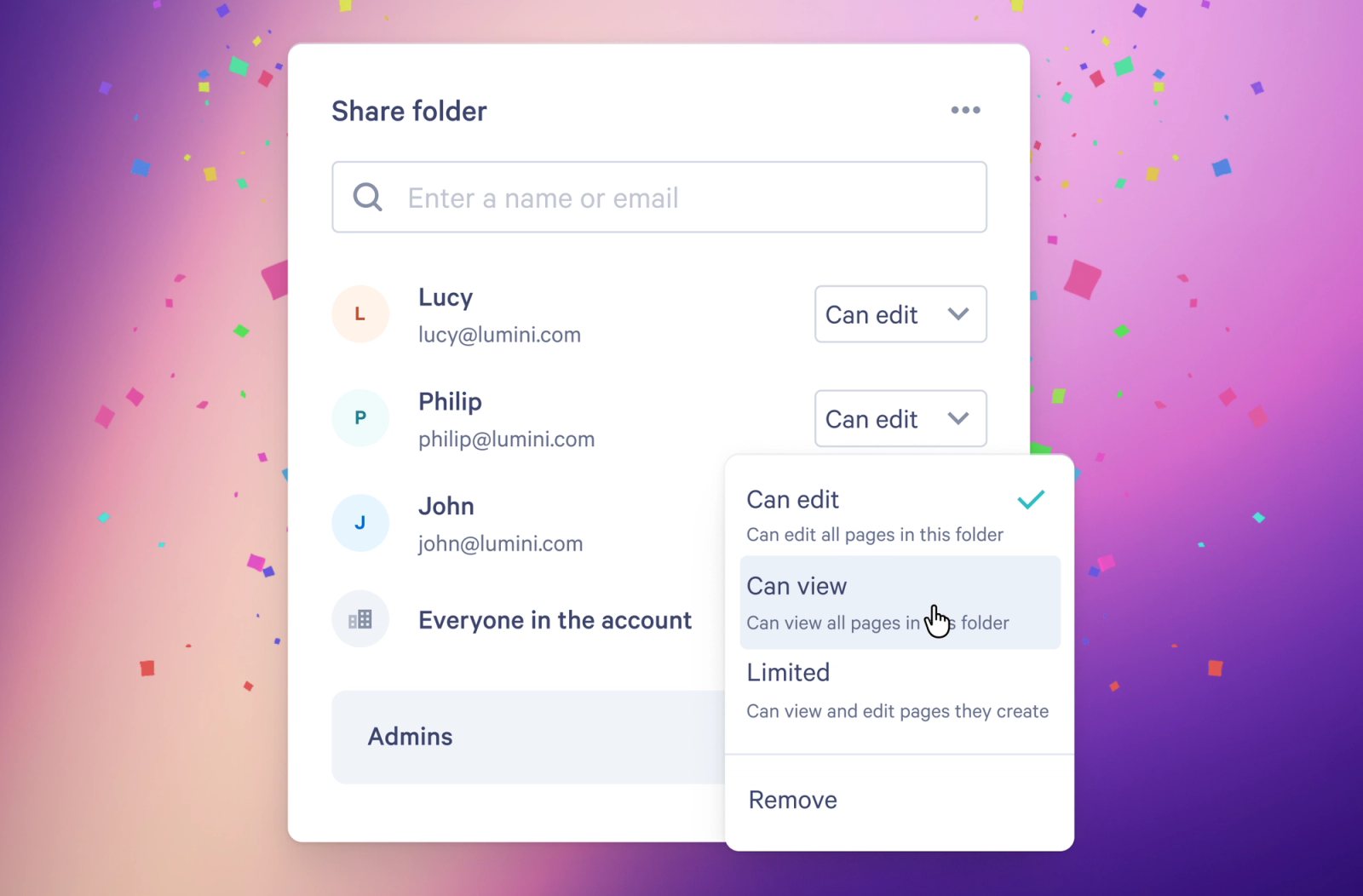
You now have the ability to manage access to folders, via the new Share folder menu, helping you organize your account while maintaining control over who sees what.
You will have the choice of the following access levels:
- Can edit – You can share the folder, and edit all pages within it
- Can view – You can view all pages in the folder
- Limited – You can only view or edit your own pages
Creators can still create, rename, move and delete folders – but only if they have edit access to everything in that folder.
Why does this matter?
You're now able to…
- Control who sees certain pages
- Organize your pages in a way that matches your processes
- Save time searching for pages
- Reduce unwanted edits to your proposals
It's all about making your Qwilr setup work for your team.