
All product updates
NEW in Analytics: Interactions, a new timeline, and see who is viewing your pages

Back in February we announced big upgrades to Qwilr's analytics that brings a whole new look, and more data available to track. We're excited to share the next instalment of that upgrade.
Introducing Interactions ✨
This new tab brings a wealth of new data, including:
- Identifying buyers: Monitor who is interacting with your Qwilr pages (note that only on Enterprise plans can you enable identity and identity verification)
- Pricing and acceptance analytics: Identify friction in your buyer's journey
- Content analytics: Monitor how buyers engage with your content
You'll see a new timeline that brings the entire history of the page and all the interactions together. It will show things like:
- When the page was first created
- Page status changes (when the page goes from draft to live and is ultimately accepted or declined)
- Pages viewed, who is viewing them (and where they're located)
- Engagement level changes
- More specific activity, such as whether or not a viewer interacted with a pricing quote or clicked on an ROI calculator
- A detailed timeline that shows what each person has done during a session
Stay tuned for when notifications drops so these actions can be put on autopilot 👀👀
NEW: Identify page viewers with name and email
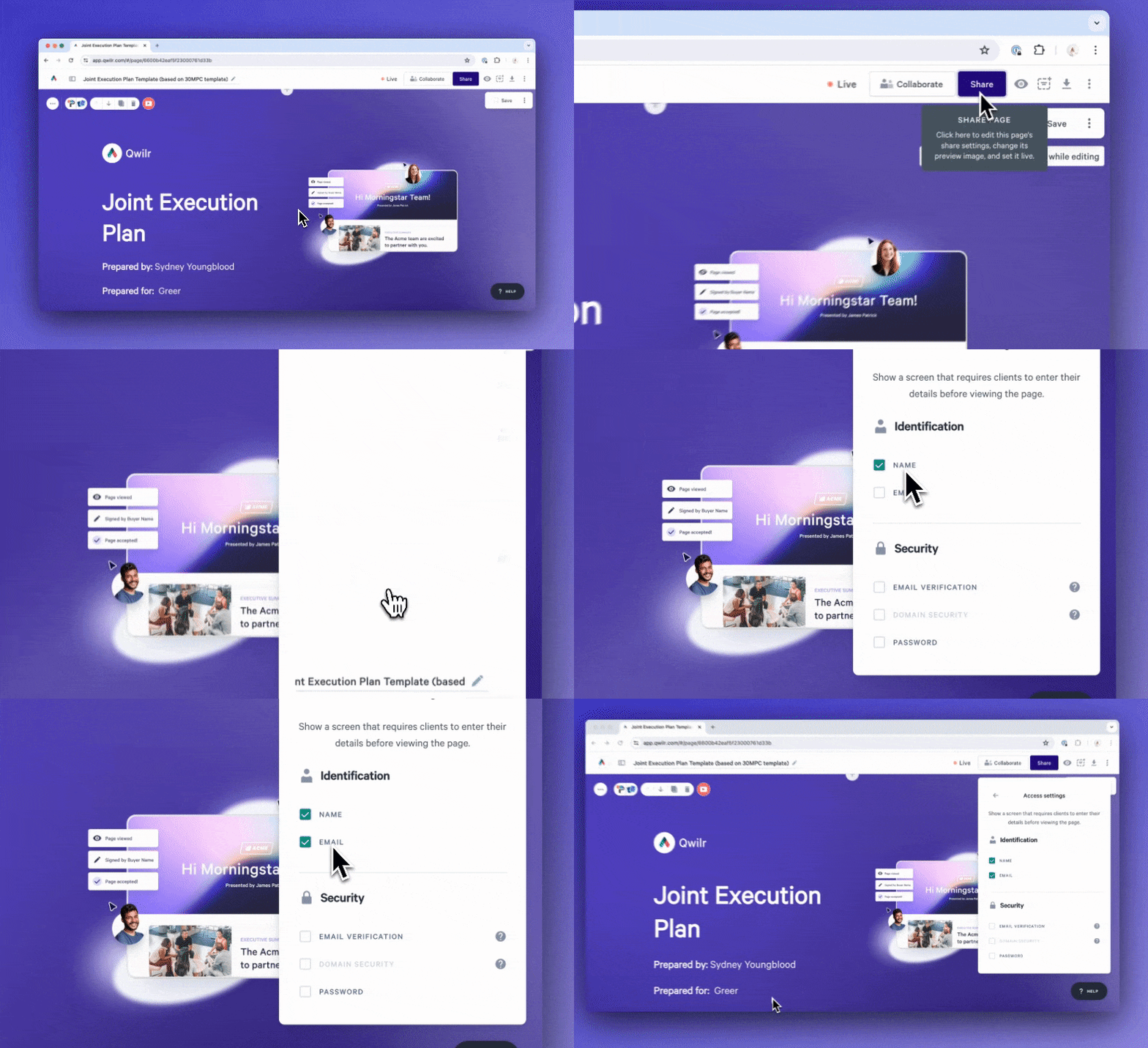
Identifying who is viewing your Qwilr pages just got simpler. Just ask for a name and email - no need for an account anymore.
- When you set up identification, you can see who is looking at your page.
- This is really helpful, especially when someone shares your page without telling you.
- With analytics you can see what each viewer is interested in, and the details of their sessions.