

Tired of digging through proposal analytics one deal at a time, or copy-pasting deal details from your CRM into a new proposal?
The Qwilr MCP means you don't have to.
An MCP (Model Context Protocol) is what lets an AI agent (like Claude or ChatGPT), talk to a tool like Qwilr.
You just prompt your AI, in plain English, and your agent takes the desired action in your Qwilr account.
Here are 7 prompts worth trying first:
1. "Who has viewed my proposal for [company name], and tell me which sections they spent the most time on?"
Instead of opening the proposal and scrolling through the analytics yourself, you get a straight answer: who looked, when, and what actually held their attention.
See exactly who you need to be speaking to and what they're focused on, so your follow-up call or email speaks to their priorities instead of a generic "just checking in."
2. "Which deals should I focus on this week?"
One of our favorites, and one of the most useful on this list.
This isn't a single proposal check, it's your agent scanning engagement across everything in flight: which buyers are actively coming back in, and which have gone quiet.
Use it to get hot deals over the line while buyers are engaged, and to catch stalled ones before they go cold rather than finding out at the end of the quarter.
3. "Look at my 5 proposals with the highest engagement, which 3 sections are getting the most views?"
This one is about pattern-spotting across your best work.
If the same section keeps pulling attention across your top-performing proposals, whether it's pricing, a case study, or a specific feature breakdown, that's a signal that it’s worth building into your next template.
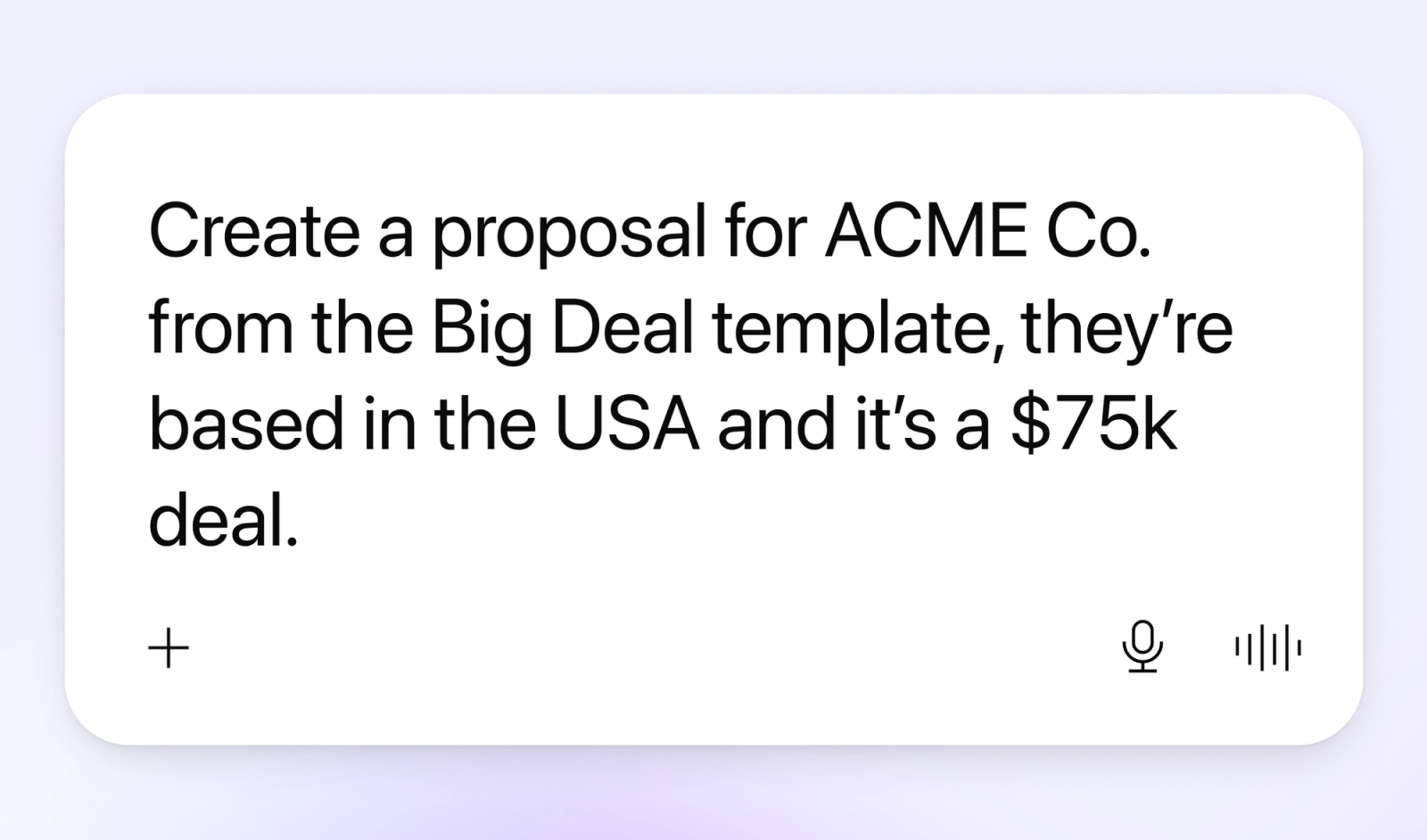
4. "Create a proposal for ACME Co. from my Big Deal template, they're based in the USA and it's a $75k deal."
We’ve used “ACME Co.” and “Big Deal template” as placeholders here, but you get the idea. Describe the deal in plain English and get a new proposal back with the company name, region and deal value already filled in.
The only setup on your end is making sure that any specifics you mentioned (i.e. region or deal value) are configured as variables on the template, then this becomes a one-line request every time.
5. "Find the HubSpot deal for ACME Co. and create a Qwilr proposal from my Enterprise Proposal template, filling in their contact name, company name and deal value."
Here you’re using Qwilr in tandem with the other tools connected to your AI tool of choice.
We’ve used HubSpot as an example here, but the idea remains the same.
Your agent reads the deal straight out of your CRM and drops the right values into your template's variables, so the proposal is ready to review and send in a single step.
6. "Every Monday at 8am, check my Qwilr proposals and send me a Slack message on which deals need my attention this week."
Set this up once as a scheduled task and you've got a standing Monday briefing landing in Slack before you've even opened your laptop.
Start the week knowing exactly which deals need a nudge, instead of piecing it together from memory.
(This one needs your AI agent to support scheduling, not every tool does yet.)
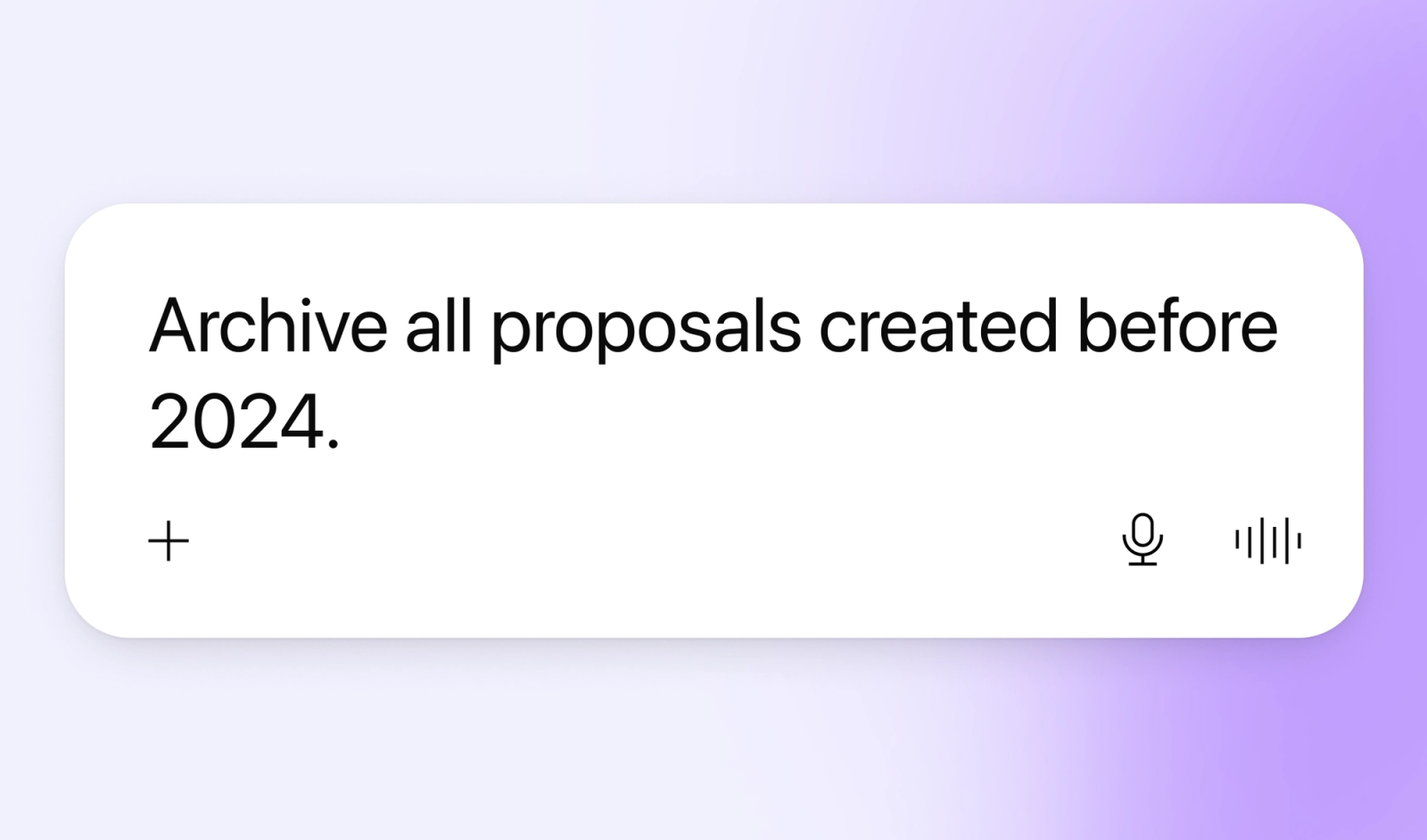
7. "Archive all proposals created before 2024."
The bulk-tidy version of admin you'd otherwise put off for a rainy day.
One prompt and the clutter's gone, no working through proposals one by one.
Why it's worth trying
- Fewer tabs, more selling. Work from wherever you're already working, instead of stopping what you're doing to open another tab.
- Levelled-up analytics. You get Qwilr's best-in-market analytics across every proposal in your account, not one deal at a time.
- Your other tools plug in. Pull details from a CRM record straight into Qwilr, no manual copy-paste required.
- Less admin, more time on the deal. The small, repetitive parts of proposal work get faster, so you can spend more time on the parts that actually move a deal forward.
Which AI tools does this work with?
The Qwilr MCP works with all major AI agents, including Claude, ChatGPT, Windsurf and Cursor. How you connect it varies a bit by tool, our docs walk through the setup for each one.
Getting started
- Connect your AI tool of choice to the Qwilr MCP (check our docs for the steps specific to your tool).
- If you want prompts to auto-fill deal details like company name, region or deal value, set those up as variables on your templates first.
- Start with something low-stakes, like checking which deals need attention this week, before moving on to creating or archiving proposals.
One thing worth knowing: access to the MCP is included on all our plans, including legacy Business and Enterprise. Creating pages from templates through the MCP is only available on our newer plans (Starter, Growth and Scale) and draws on document automation credits.
About the author

Guy Hall|Head of Product Marketing at Qwilr
Guy leads product marketing at Qwilr – tackling things like positioning, messaging, sales enablement and more. Guy has a background in content and communications, and has worked across a variety of industries including tourism, telecoms and tech.